ROS2 DBMS
Introduction
ros2bag is a command line tool for recording data published on topics in your system, it provide record and replay ROS data of all types to data analysis and debugging purposes, given various use cases for this data logging, rosbags can contain either very simple data such as a trajectory of a robotics end effector up to highly complex data such as autonomous vehicle with multiple redundant high resolution sensors, recording topics is also a great way to share your work and allow others to recreate it.
Features:
- Start / Stop recording
- Recycle mode ( it will keep recording data every hour and delete bag files older than 24 hours )
- List all of recording files
- Export recording data
How To
User can access the ros2 bag to record ROS 2 data by DBMS/ros2bag RESTful APIs.
DBMS/ros2bag API Documentation
URL : http://ServerIP:8081/dbms/ros/api-docs
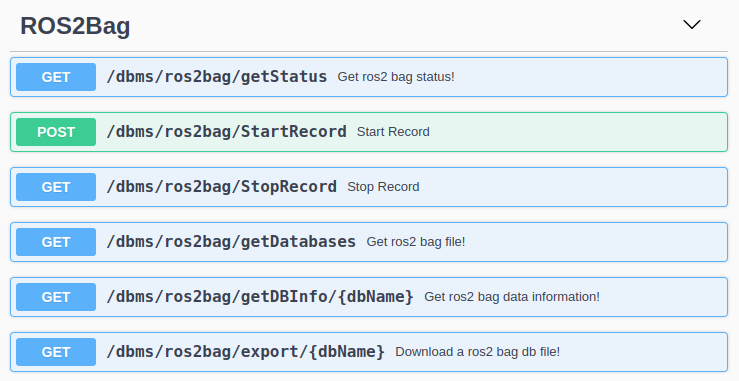
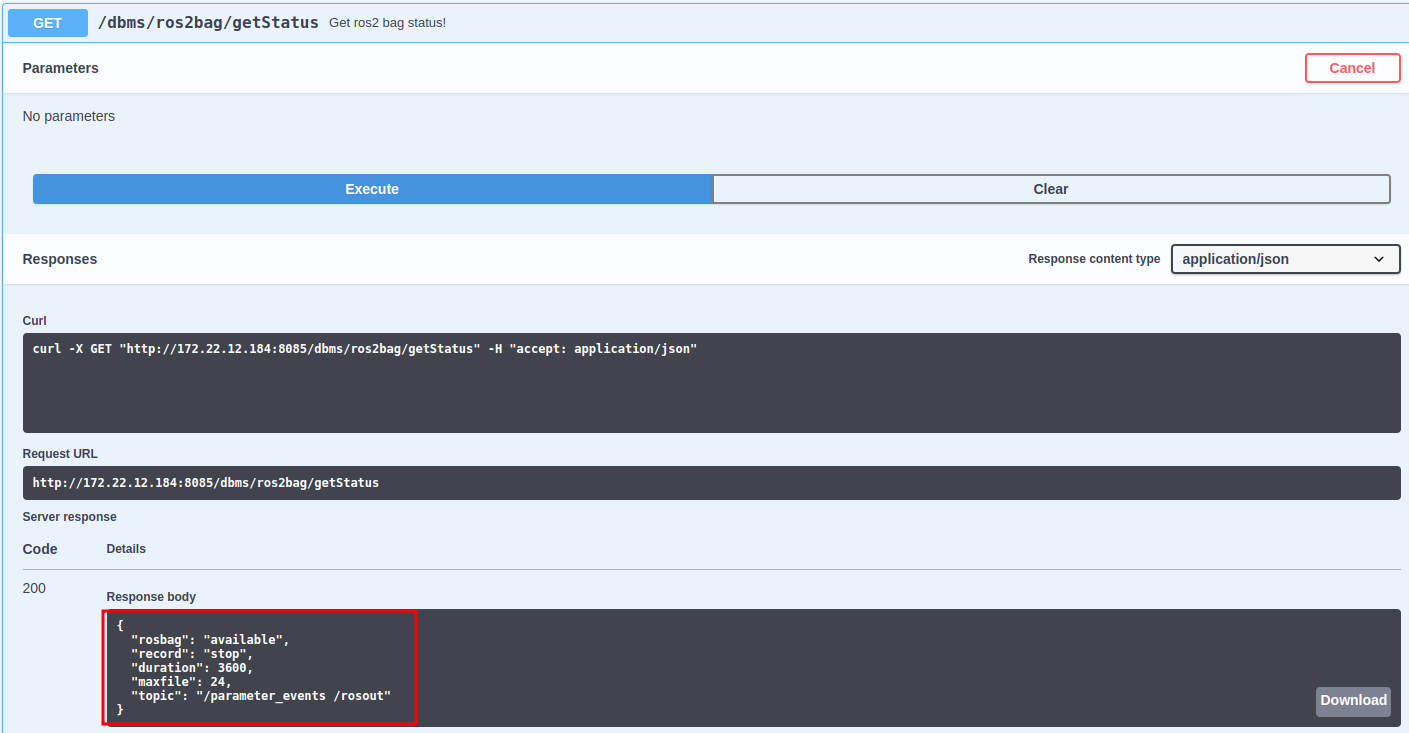
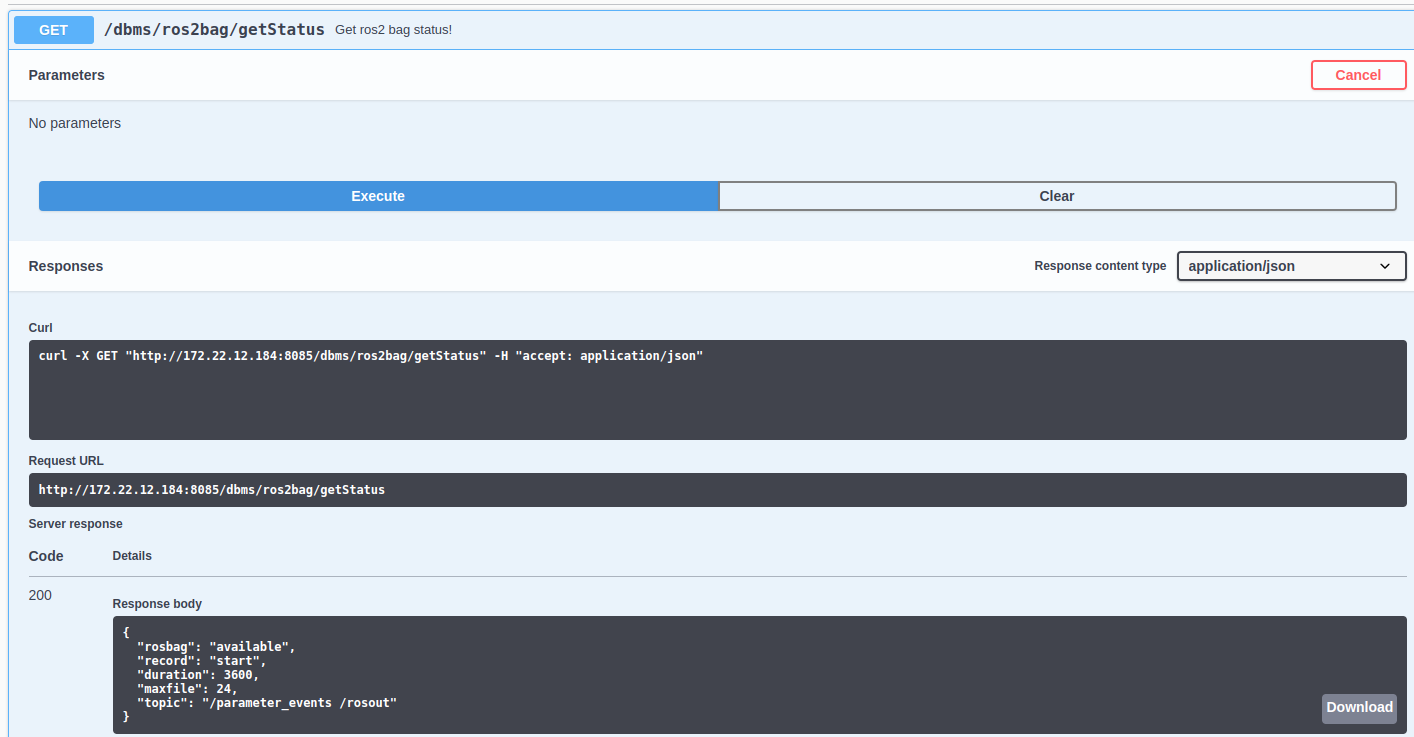
Step 1: Check ros2bag service status.
If "record": "start" it means ros2bag is recording, if "record": "stop" it means ros2bag is stop recording.
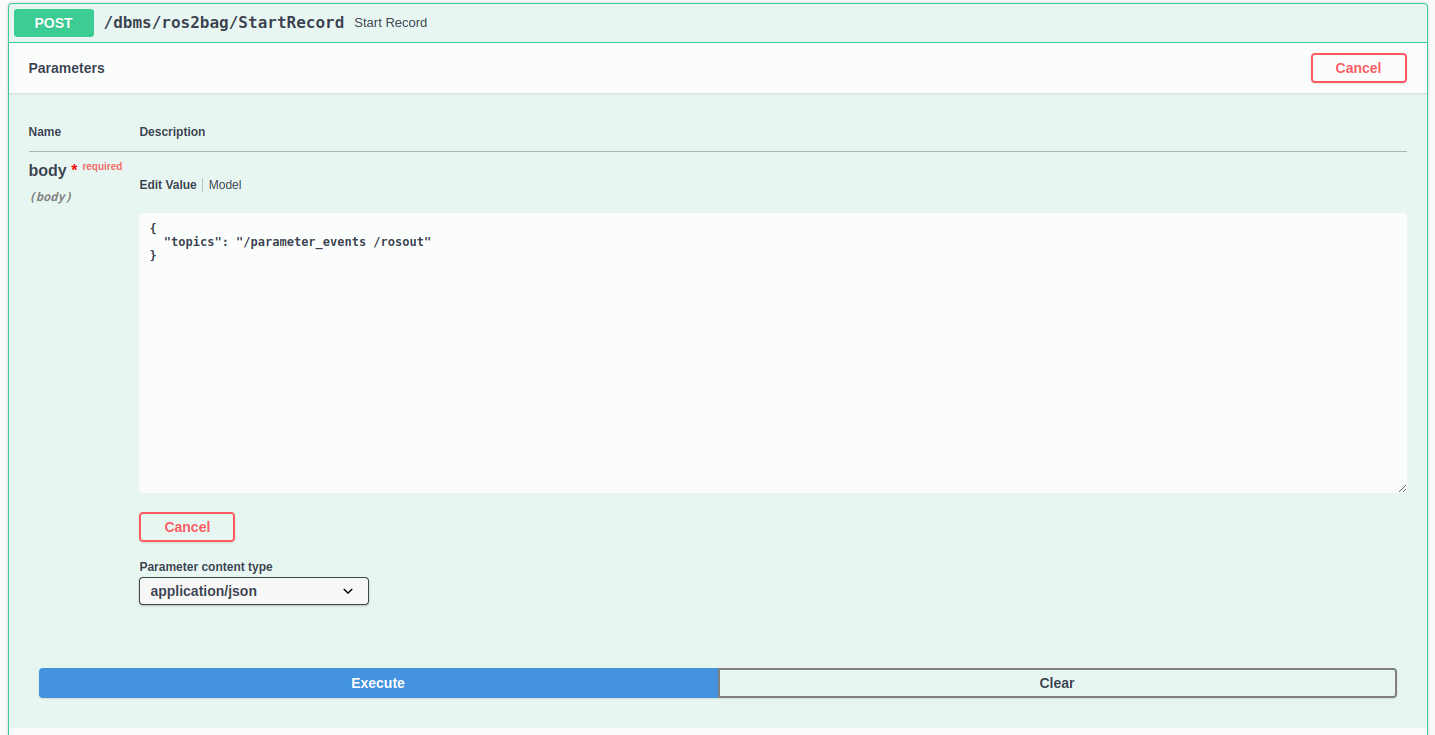
Step 2: Start record.
Enter topics you want to record, you can enter multiple topics separated by blank. For example: start record with topics "/parameter_events /rosout".
Then the ros2bag service status will become "record": "start".
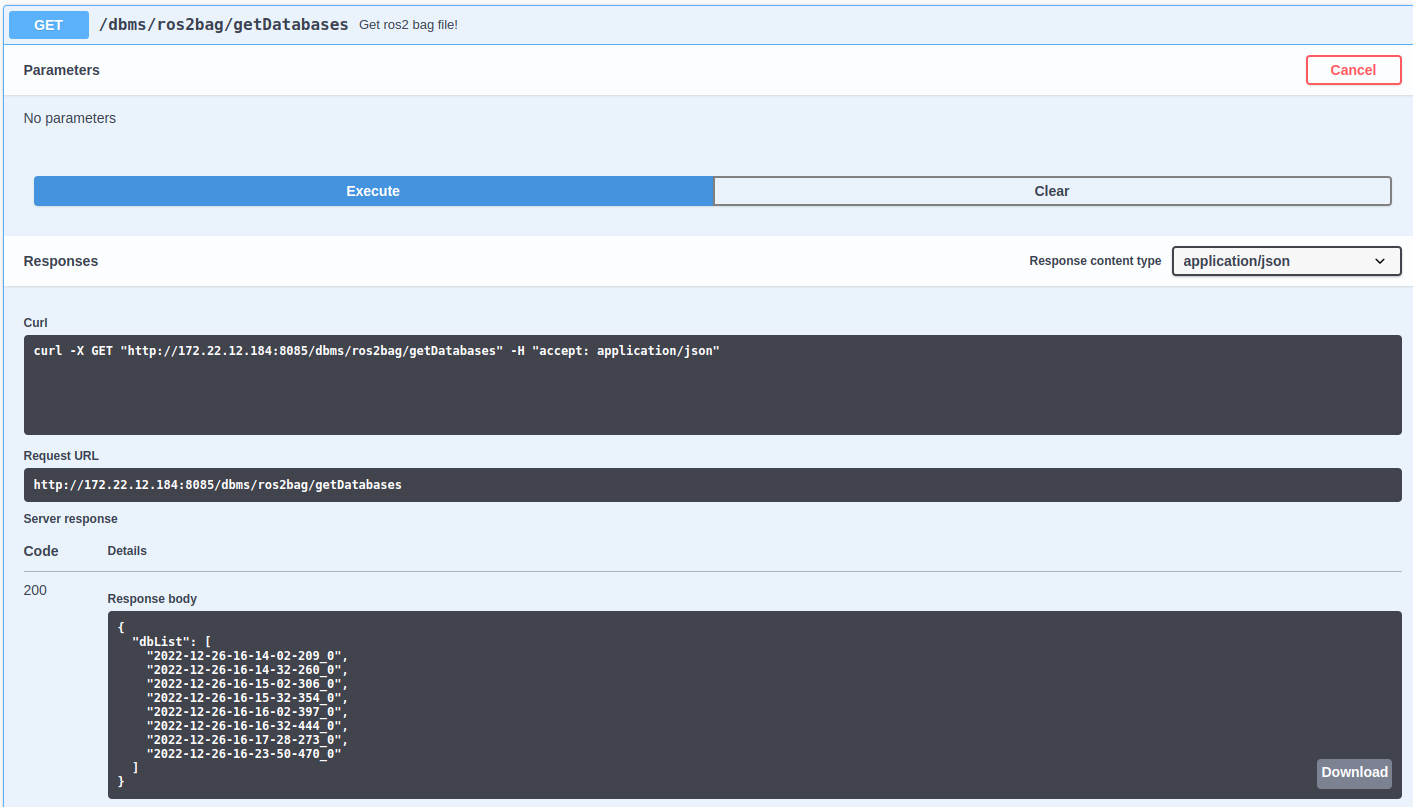
Step 3: List all ros2 bag files storaged on DBMS server.
These bag files will be named and sorted by standard UNIX timestamp ( Example: 2022-12-26-16-14-209_0 ) .
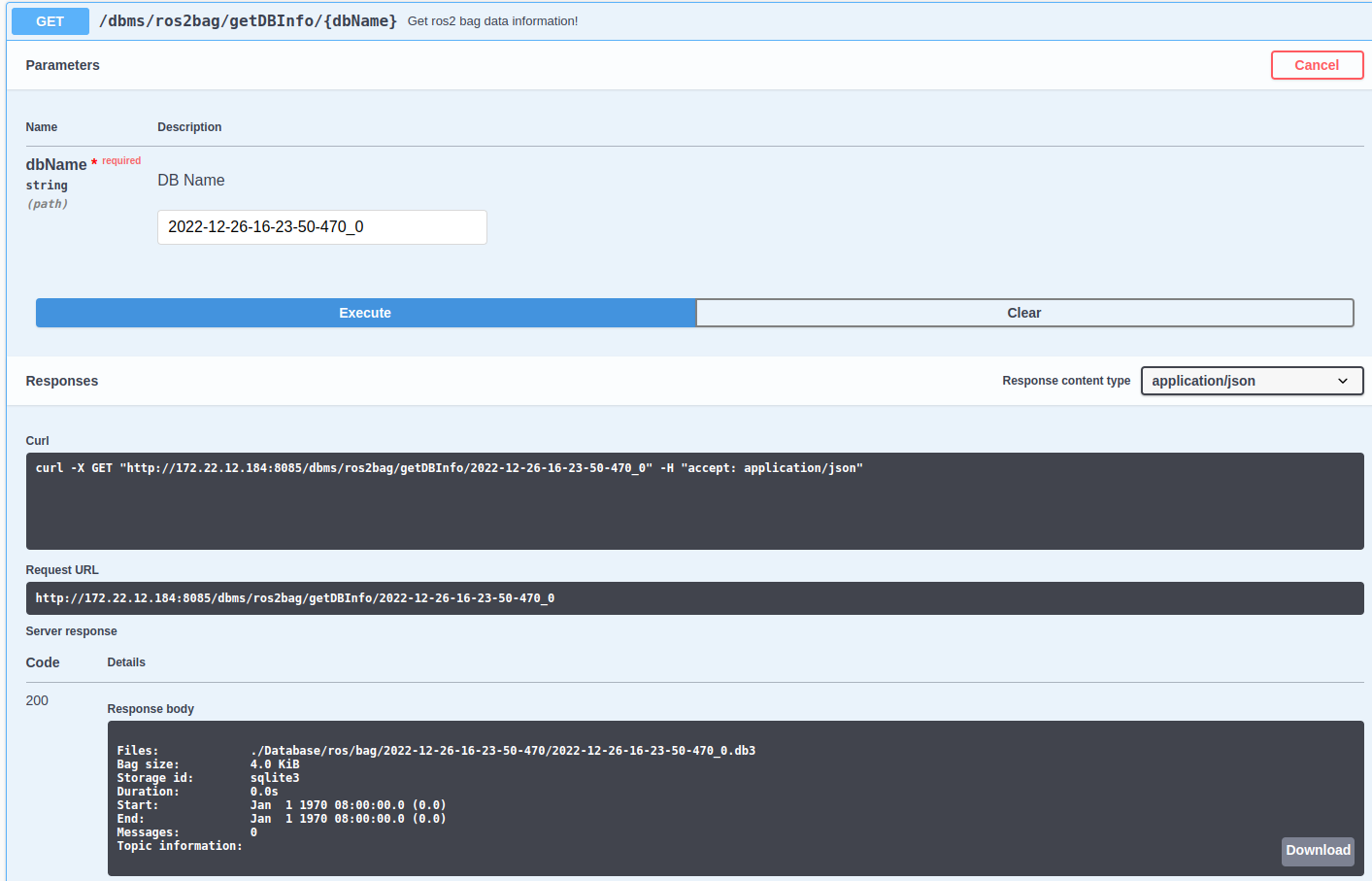
Step 4: Get the specified ros2 bag file information.
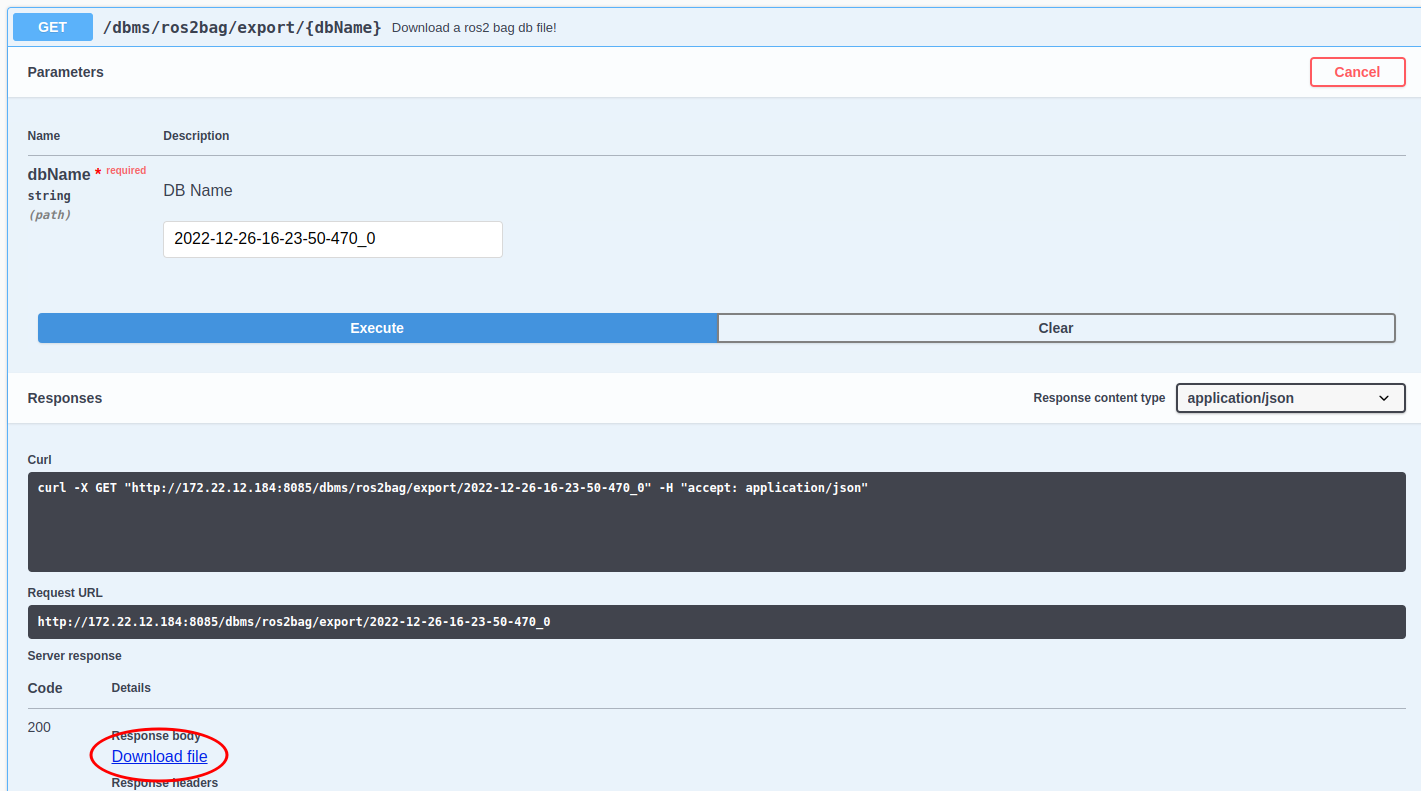
Step 5: Download the specified ros2 bag file.