Tutorial Overview
Advantech Robotic Suite provides a structured learning path for building robotic applications, from ROS 2 fundamentals to mobility, manipulation, simulation-to-real, and real-to-real workflows.
Use this page to choose a starting point based on your experience and application.
Recommended Learning Path
| Stage | Topics |
|---|---|
| Foundations | ROS 2 and Robotics Fundamentals |
| Application tracks | Mobility, Manipulation, Sim to Real, and Real to Real |
| Integration | Add-on SDK and Use Cases |
- Start with ROS2 to learn the development and visualization tools.
- Continue with Robotics Fundamentals to understand the sensing-to-action pipeline.
- Choose an application track:
- Mobility for mapping, localization, navigation, and obstacle avoidance.
- Manipulation for object perception, pose estimation, motion planning, and robot-arm execution.
- Sim to Real for simulation demonstrations, SDG, policy training, and physical validation.
- Real to Real for physical demonstrations, model training, and physical validation.
- Explore the Add-on SDK and Use Cases when integrating services or building a complete application.
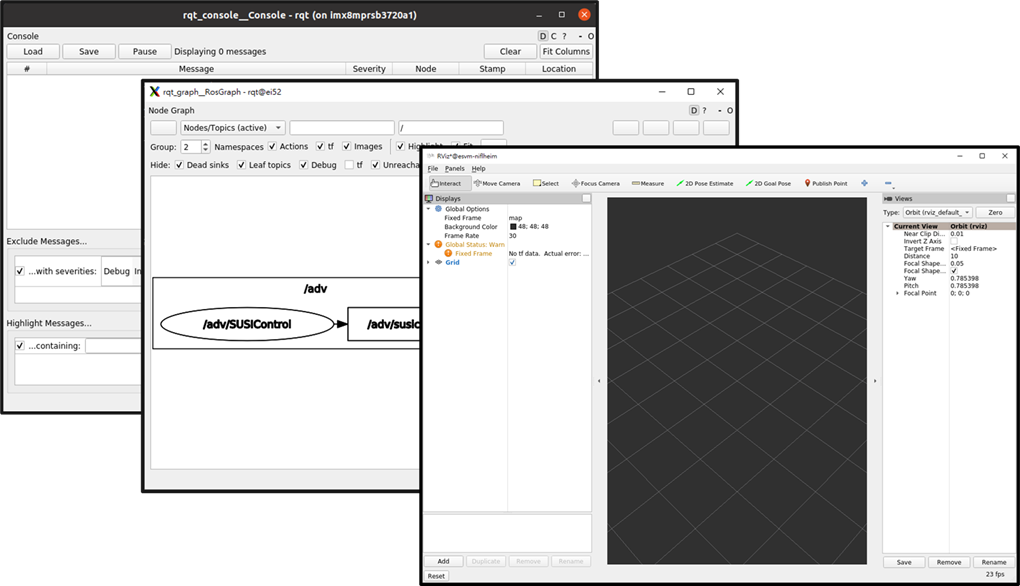
ROS2
Learn the ROS 2 concepts and tools used throughout Robotic Suite.
- Visualize robot data and models with RViz.
- Inspect node and topic relationships with
rqt_graph. - Isolate ROS 2 networks with Domain ID.
- Test robot applications in Gazebo.
- Understand URDF robot models and TF.
Robotics Fundamentals
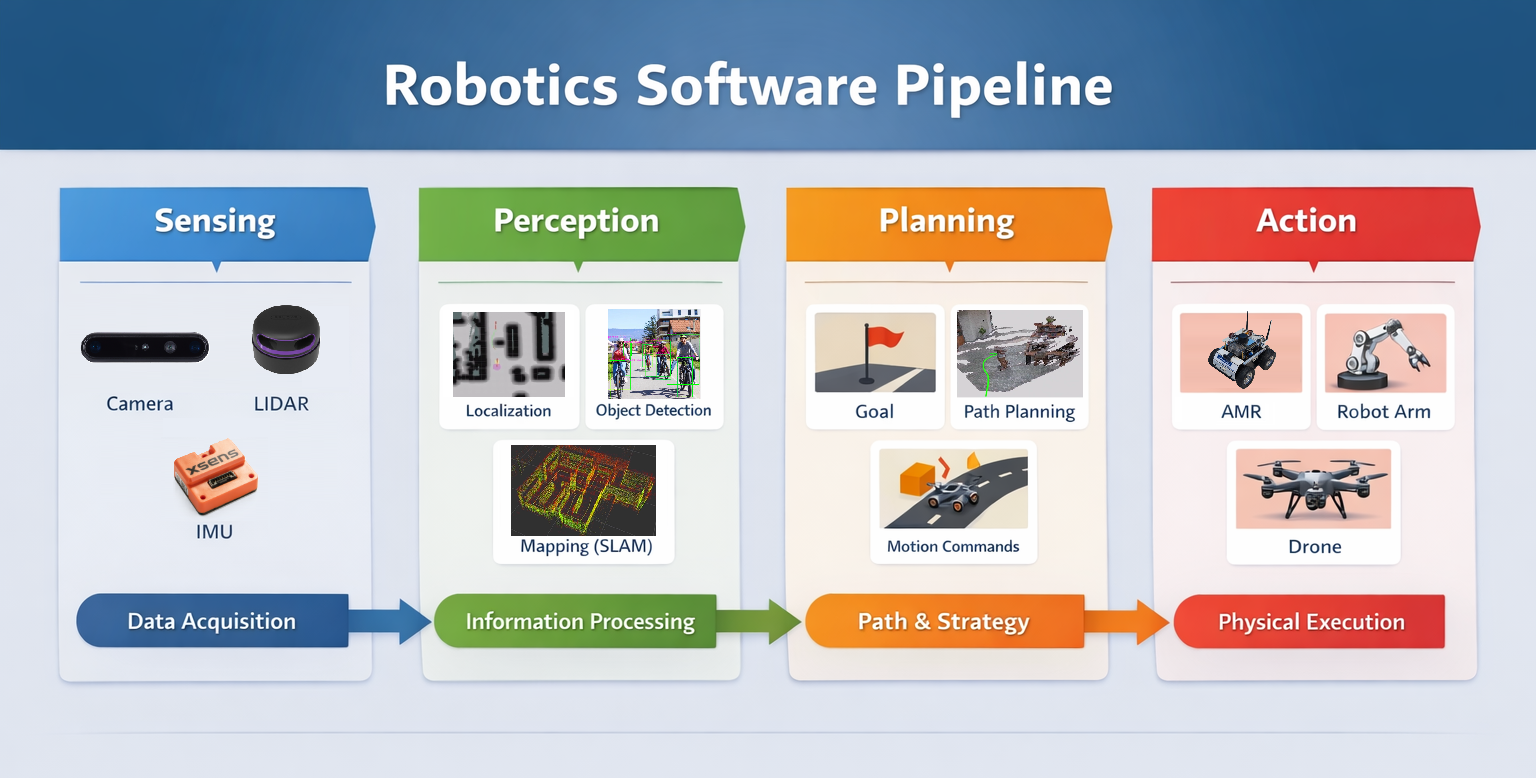
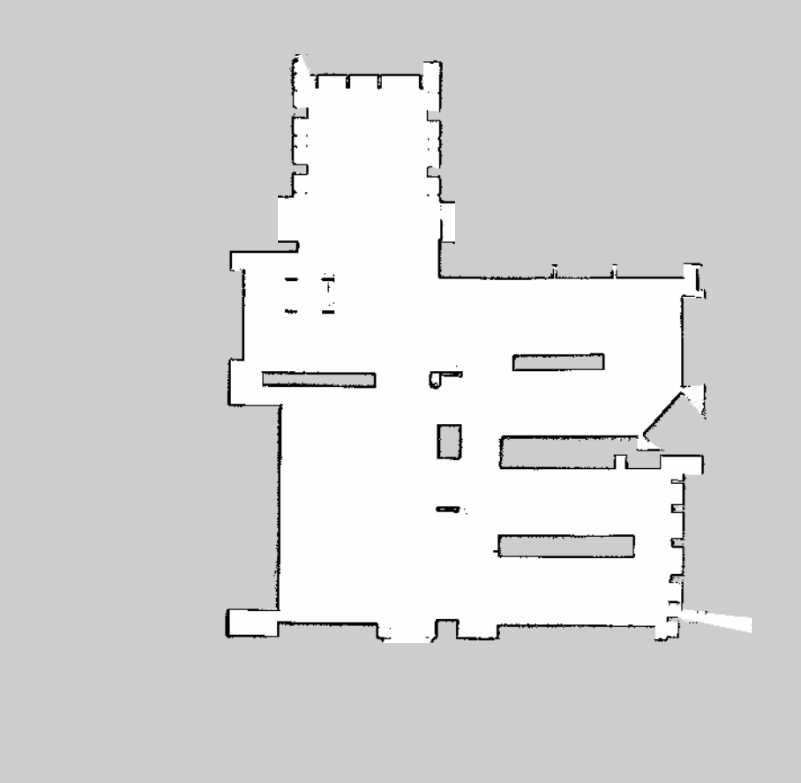
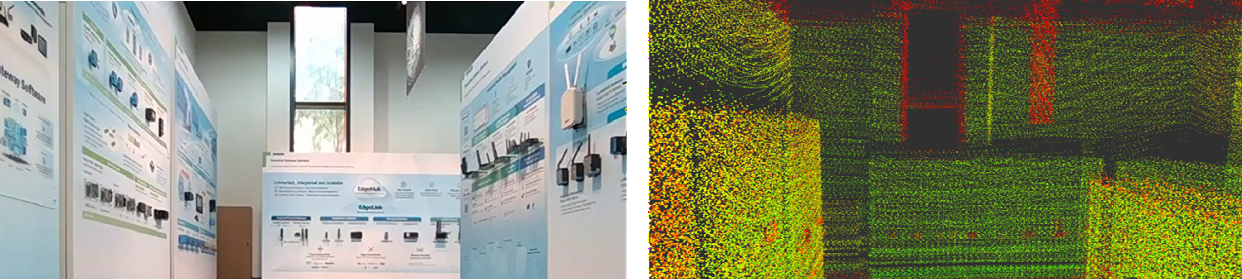
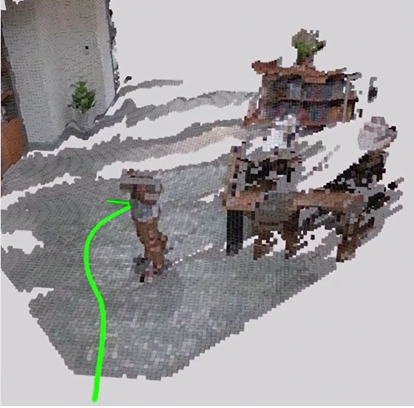
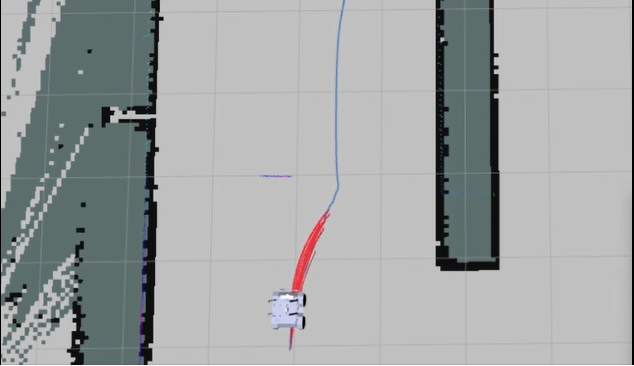
Understand the common software pipeline used by autonomous robots:
Sensing -> Perception -> Planning -> Action
-
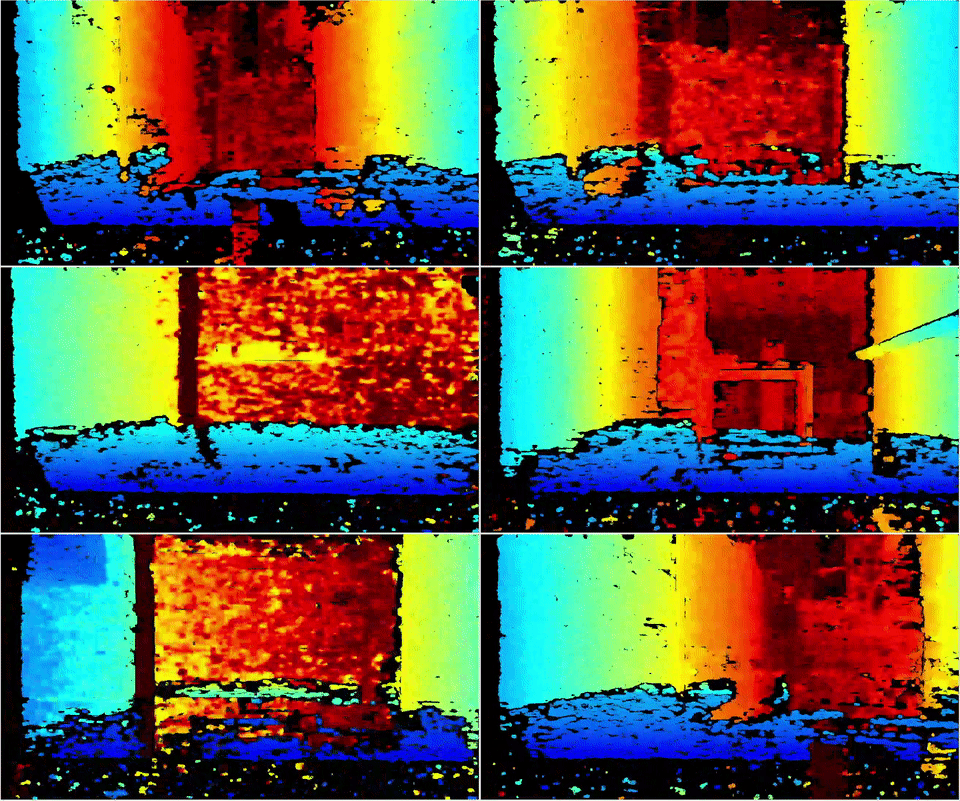
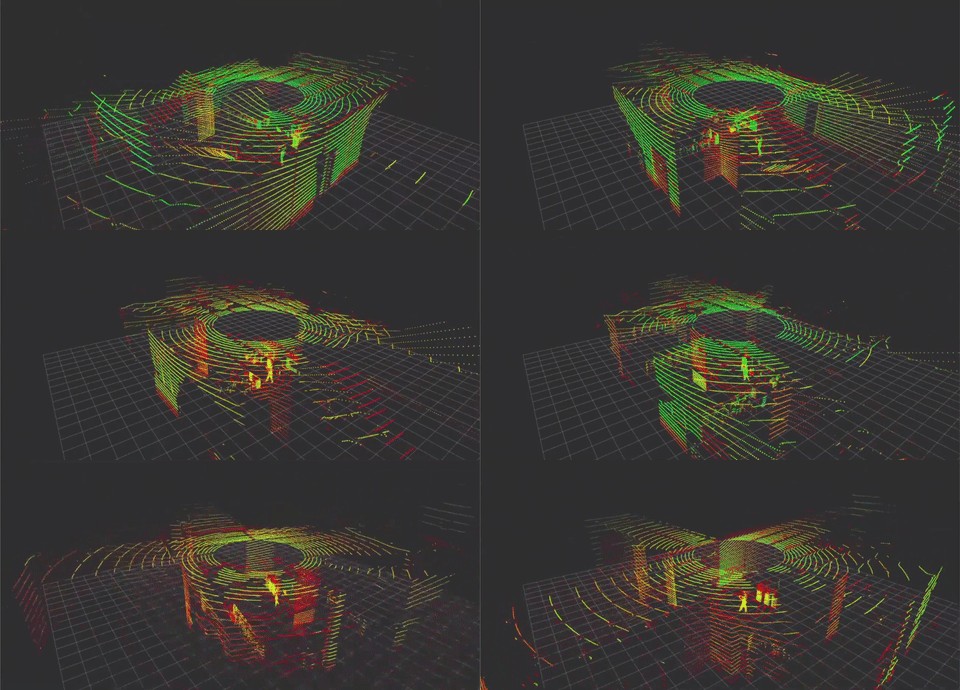
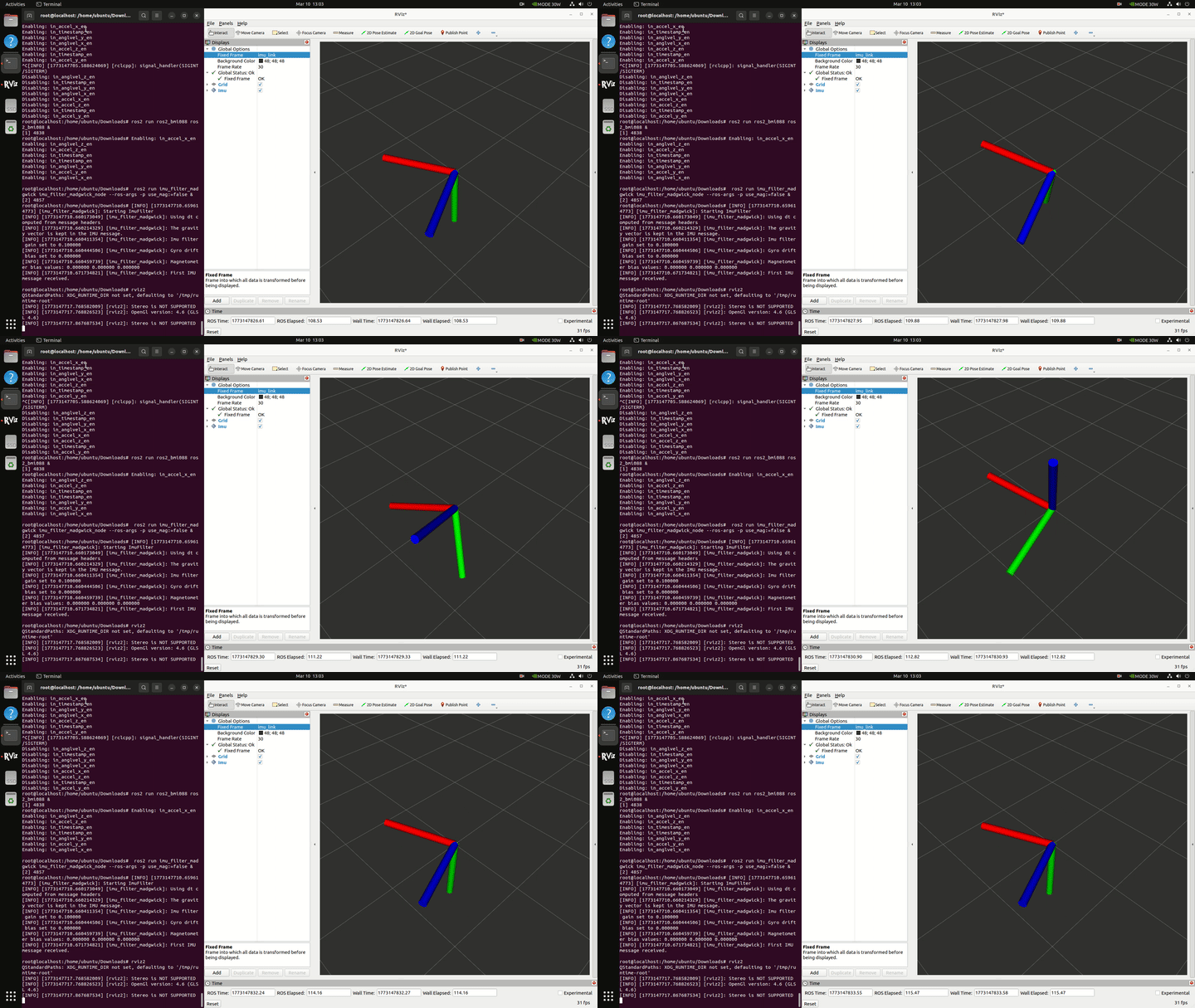
Sensing: Acquire raw data from cameras, LiDAR, IMUs, and other sensors.
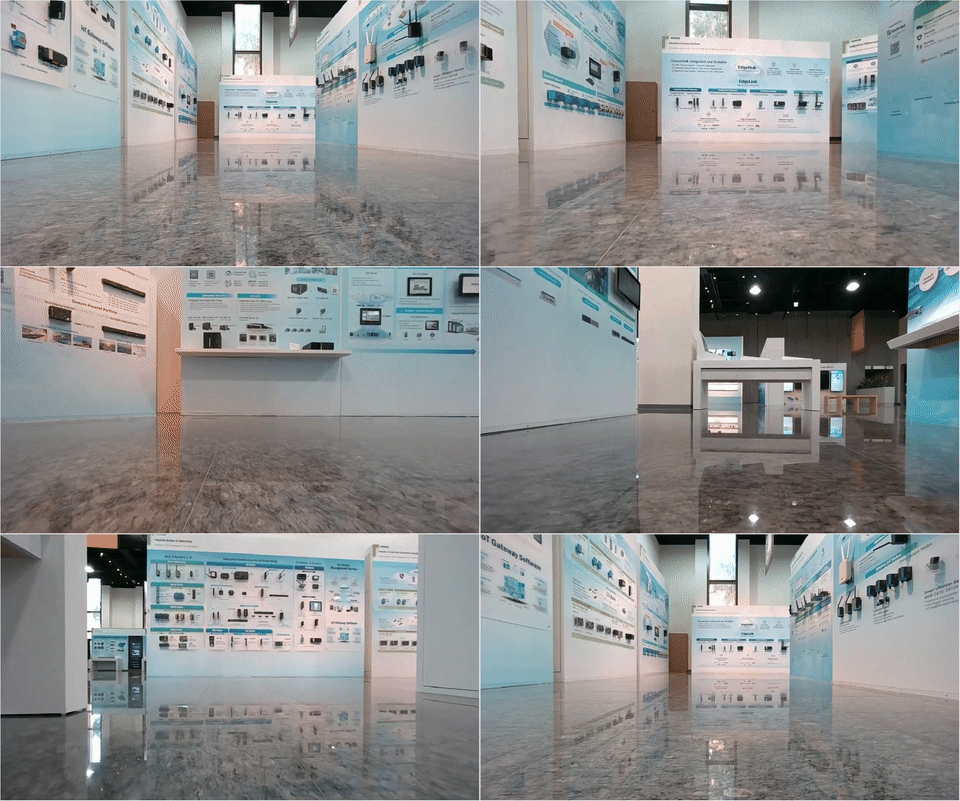
-
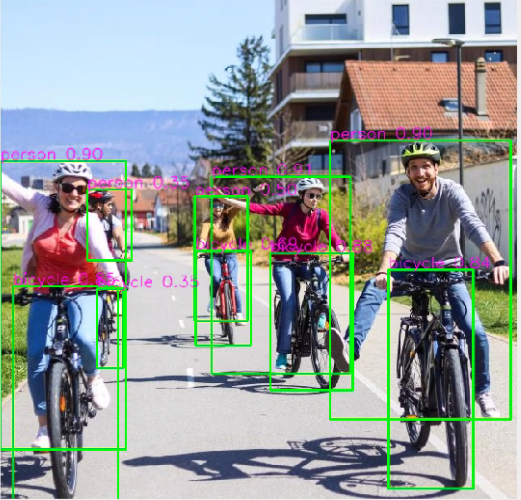
Perception: Convert sensor data into meaningful information such as objects, maps, and robot pose.
-
Planning: Generate decisions, paths, and motion strategies.
-
Action: Execute commands through robot controllers and hardware.
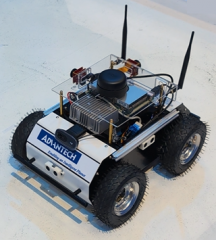
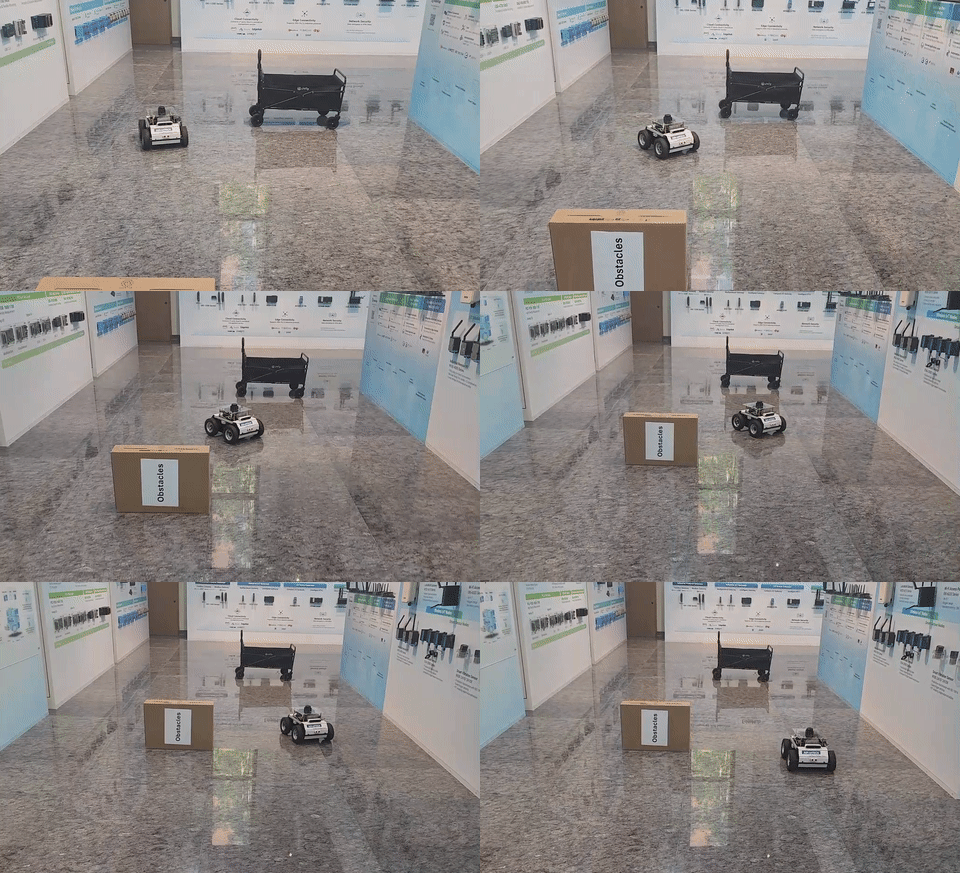
Application Tracks
After learning the fundamentals, continue with the track that matches your application.
Mobility
Learn how mobile robots use different sensors and software components to understand and move through an environment.
- 2D LiDAR Mobility - Indoor mapping and navigation with 2D laser scans
- 3D LiDAR Mobility - 3D perception for complex environments
- 3D Camera Mobility - Navigation and obstacle detection with depth cameras
- Mobility Vision - AI and multi-sensor environment understanding
Manipulation
Learn how perception, position estimation, motion planning, and control work together in a robot-arm application.
Object Perception
        |
        v
Pose Estimation
        |
        v
Motion Planning
        |
        v
Arm Action
- Object Perception - Detect and identify a target from camera data
- Pose Estimation - Convert a detection into a robot-usable 3D pose
- Motion Planning - Generate a valid, collision-checked robot trajectory
- Arm Action - Execute and monitor arm and gripper commands
Sim to Real
Record demonstrations in Isaac Sim, generate training data with SDG, and train and validate a policy on a physical robot.
- Prepare the environment and hardware
- Record demonstrations and generate data
- Train the model
- Validate on physical hardware
- Deploy the selected model
Real to Real
Record physical demonstrations with a Leader, Follower, and cameras, then train, validate, and deploy the model on physical hardware.
- Prepare the arms and cameras
- Record physical demonstrations
- Review the dataset
- Train the model
- Validate on physical hardware
- Deploy the selected model
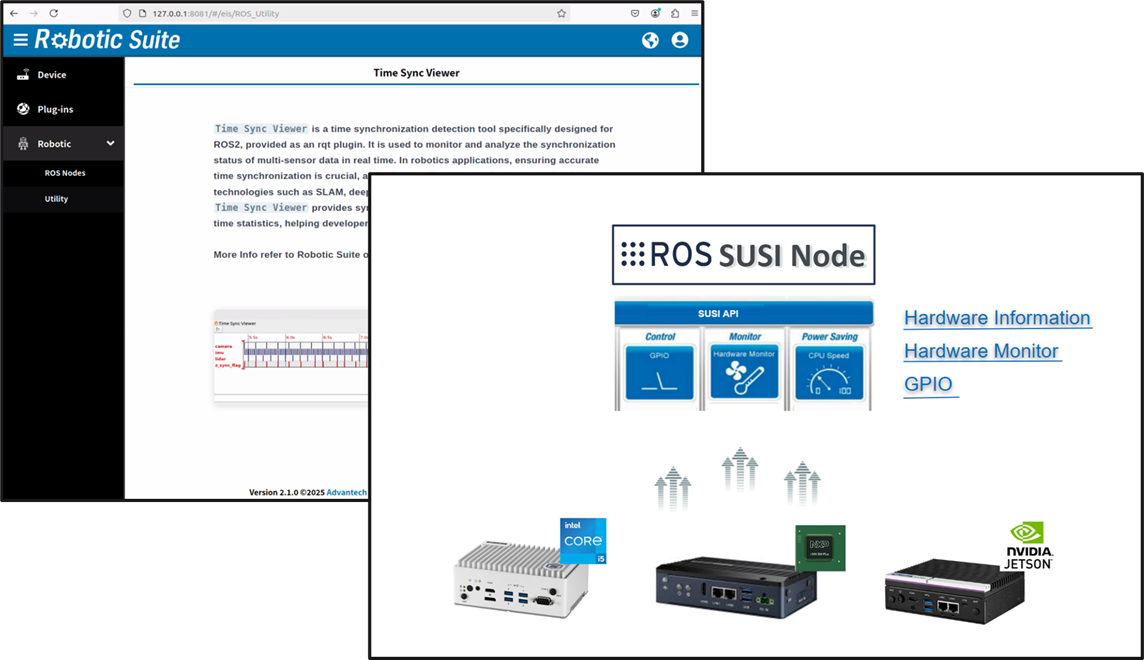
Add-on SDK
Use Robotic Suite add-on services to connect robot applications with hardware and industrial systems.
- SUSI hardware monitoring and control
- Modbus communication
- OPC UA communication
- Time synchronization
- Advantech ROS 2 data formats
Use Case
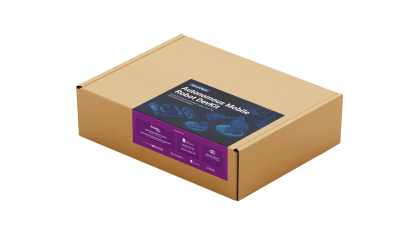
ASR-A701DVK
Here’s a real-world example of using the Advantech Robotic Suite with the ASR-A701DVK development kit:
-
Robotic Development with ASR-A701DVK
This article from MakerPRO shares a hands-on unboxing and introduction to the ASR-A701DVK development kit, along with an overview of building robotic applications using Advantech Robotic Suite.
It highlights how developers can quickly get started with a pre-integrated environment, including ROS 2, and ready-to-use examples.Read the full article:
Developing AI Robots Using ASR-A701DVK