3D Scene Persistence
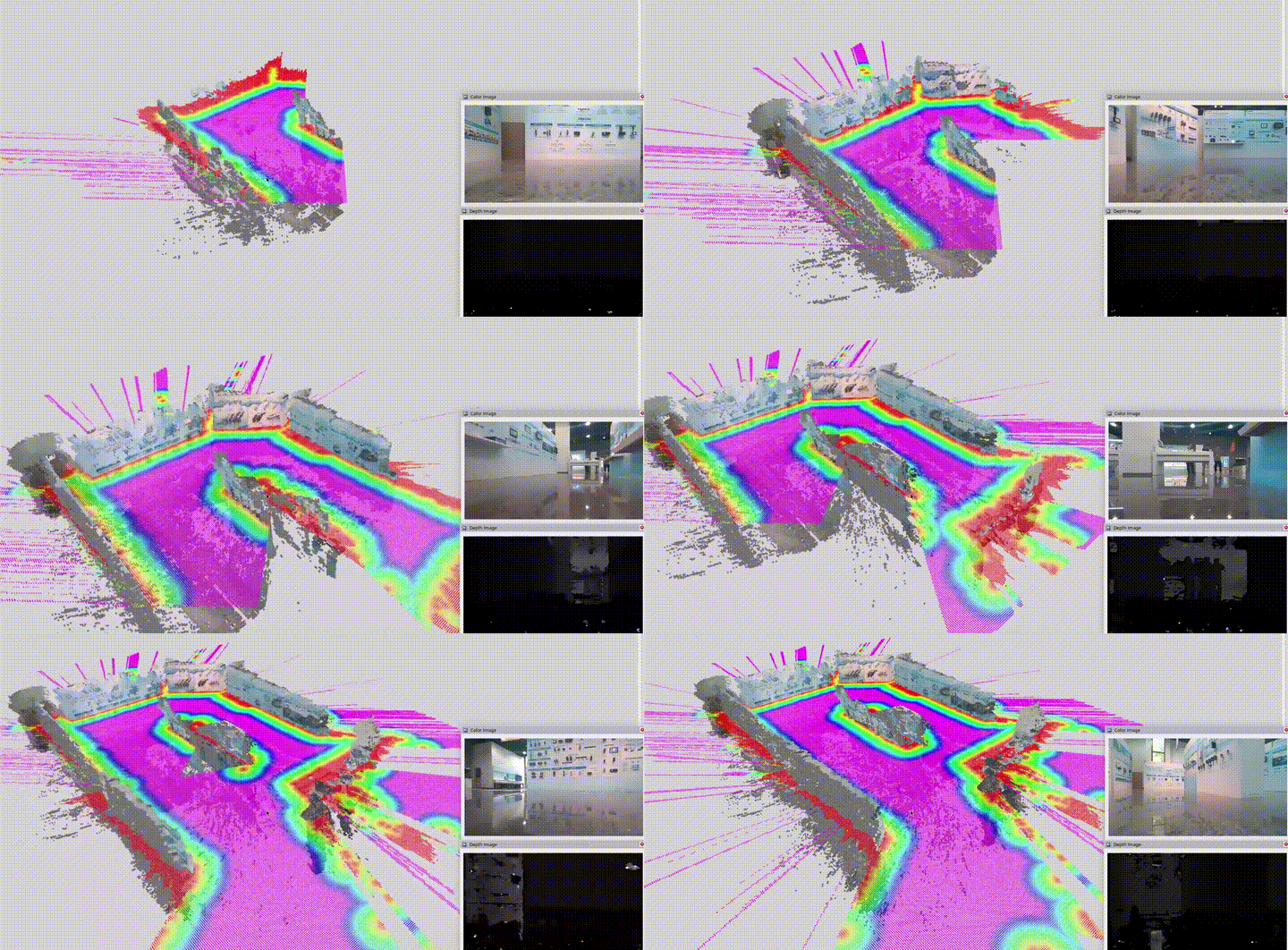
This example demonstrates how to use a 3D camera and adjust ISAAC Nvblox parameters to retain visualization data.
Install
Make sure your target system satisfies the following conditions:
- Advantech platforms
- At least 12 GB hard drive free space
- An active Internet connection is required
- Use the English language environment in Ubuntu OS
-
After selecting and installing 3D Scene Persistence by following the instructions in the installer instructions. You will find the isaac_ros_kit folder under
/usr/local/Advantech/ros/container/ros-demokit/ -
Navigate to the folder and run the following command:
./launch_isaac.sh advanced_examples/nvblox_keep_map
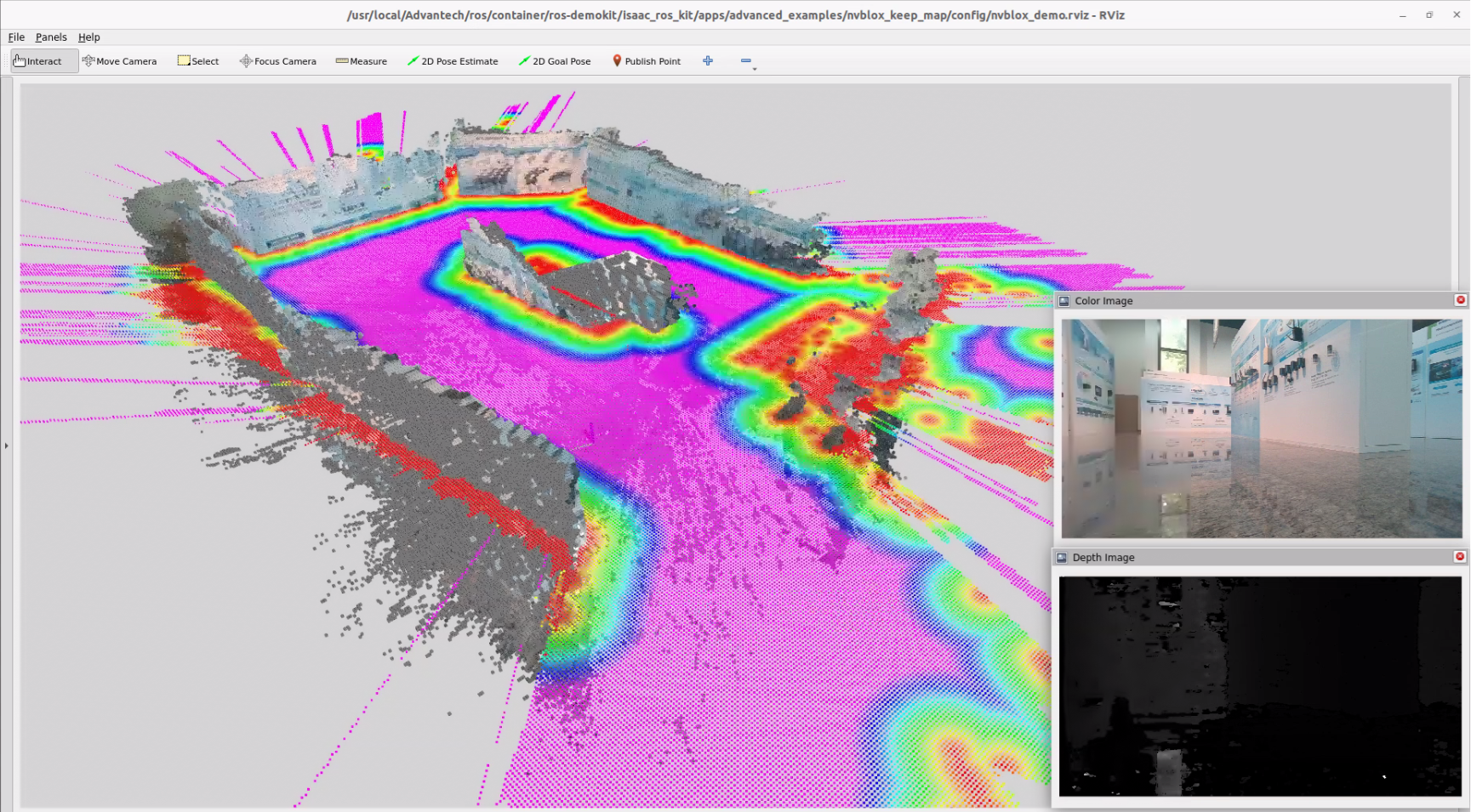
- The 3D Scene Persistence will be displayed automatically:
The first time you run this program, it needs to download necessary files, which will take some time.
Configuration Guide
This example focuses on demonstrating how to quickly adjust ISAAC Nvblox parameters to preserve visualization data and make the 3D scene “persistent” instead of slowly fading away.
Under the default parameter settings, the map is continuously decayed and pruned to save memory and keep only the nearby, recent data. This is usually desirable for mobile robots, but it means that:
- Surfaces you saw a while ago will gradually disappear
- Voxels that are far away from the robot will be cleared
- The 3D scene will not remain stable in RViz
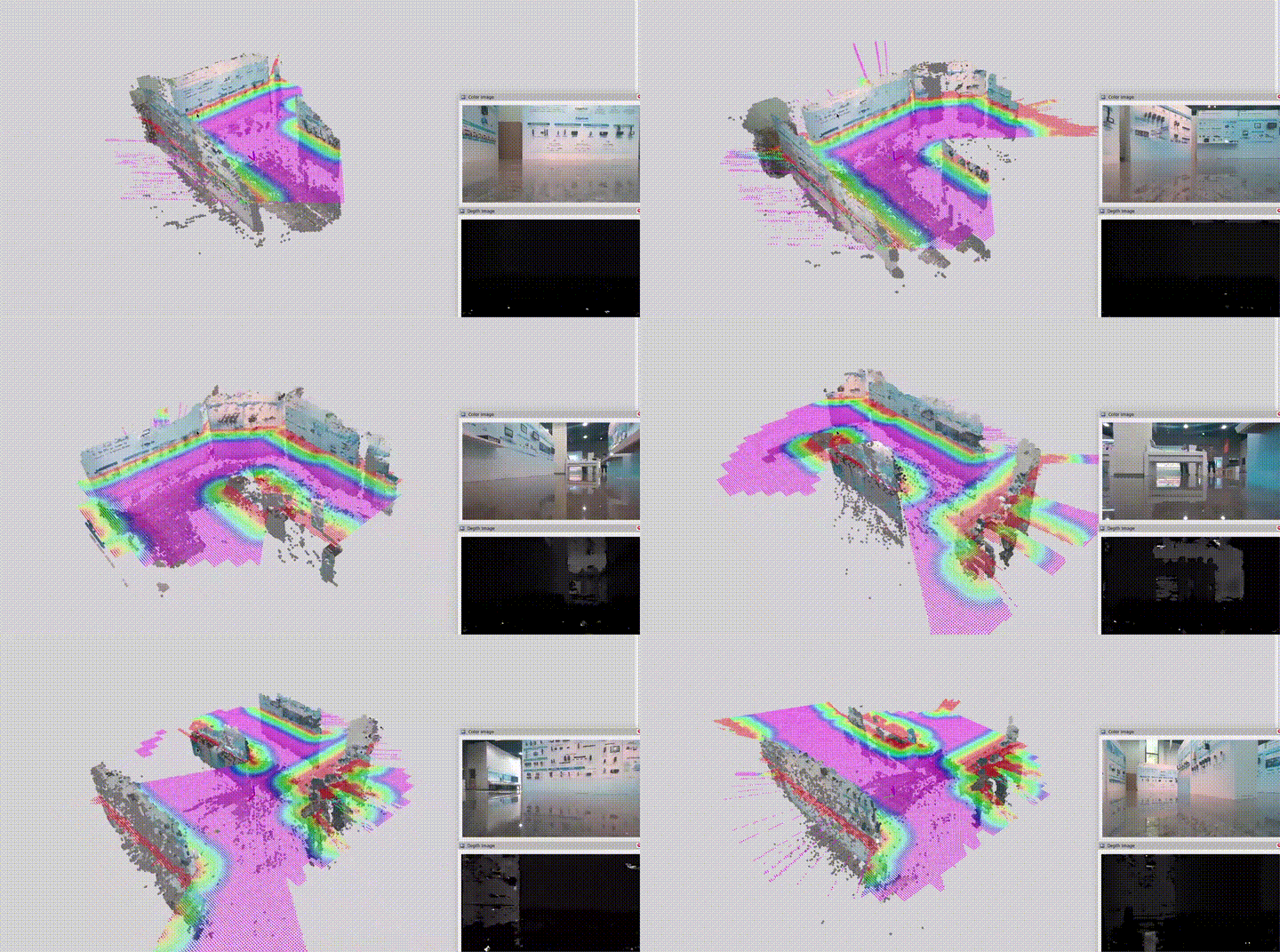
To achieve 3D scene persistence, we explicitly disable these “forgetting” behaviors.
Parameters modified in this example
In this example, we modify two key parameters in isaac_ros_nvblox:
decay_tsdf_rate_hz:=0.0
decay_tsdf_rate_hz
- Purpose: Controls how frequently the TSDF (Truncated Signed Distance Field) layer is decayed over time.
- Default behavior:
- decay_tsdf_rate_hz > 0.0
- Old TSDF values are gradually pushed toward “unknown”, causing old parts of the map to fade out.
- In this example:
decay_tsdf_rate_hz:=0.0- Disables temporal decay of the TSDF layer.
- Surfaces you scanned earlier will stay in the map and remain visible in RViz as long as the node is running.
clear_map_outside_radius_rate_hz:=0.0
clear_map_outside_radius_rate_hz
- Purpose: Controls how often voxels outside a certain radius from the robot are cleared.
- Default behavior:
- clear_map_outside_radius_rate_hz > 0.0
- The map is periodically truncated to a region around the robot, freeing memory but removing distant data.
- In this example:
clear_map_outside_radius_rate_hz:=0.0- Disables the periodic clearing of voxels outside the radius.
- 3D data that you have scanned will not be removed even after the robot moves away.
In summary, setting both parameters to
0.0tells Nvblox:
"Do not decay old TSDF values and do not clear the map based on distance."
This is what makes the 3D scene appear persistent.
When to use scene persistence
Use the configuration from this example when you:
- Want to record and visualize a stable 3D reconstruction for demos or testing
- Need to compare before/after parameter changes without worrying about the map disappearing
- Are building tools that require a persistent 3D context, such as inspection or mapping GUIs
Switch back to default (or tuned) decay / clear parameters when:
- Running on memory-constrained platforms
- Operating for long durations
- Deploying on mobile robots that constantly explore new areas