3D Camera Obstacle Avoidance
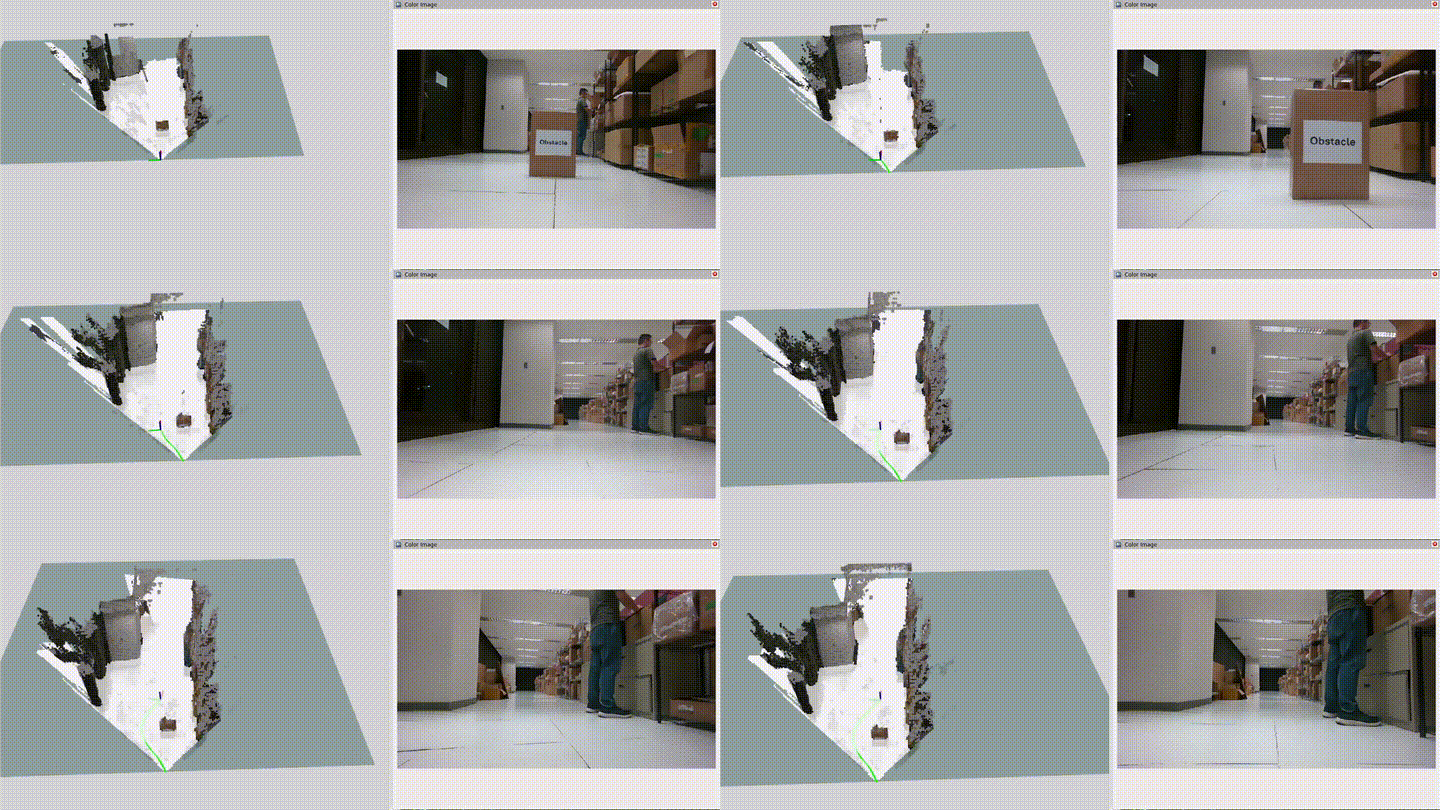
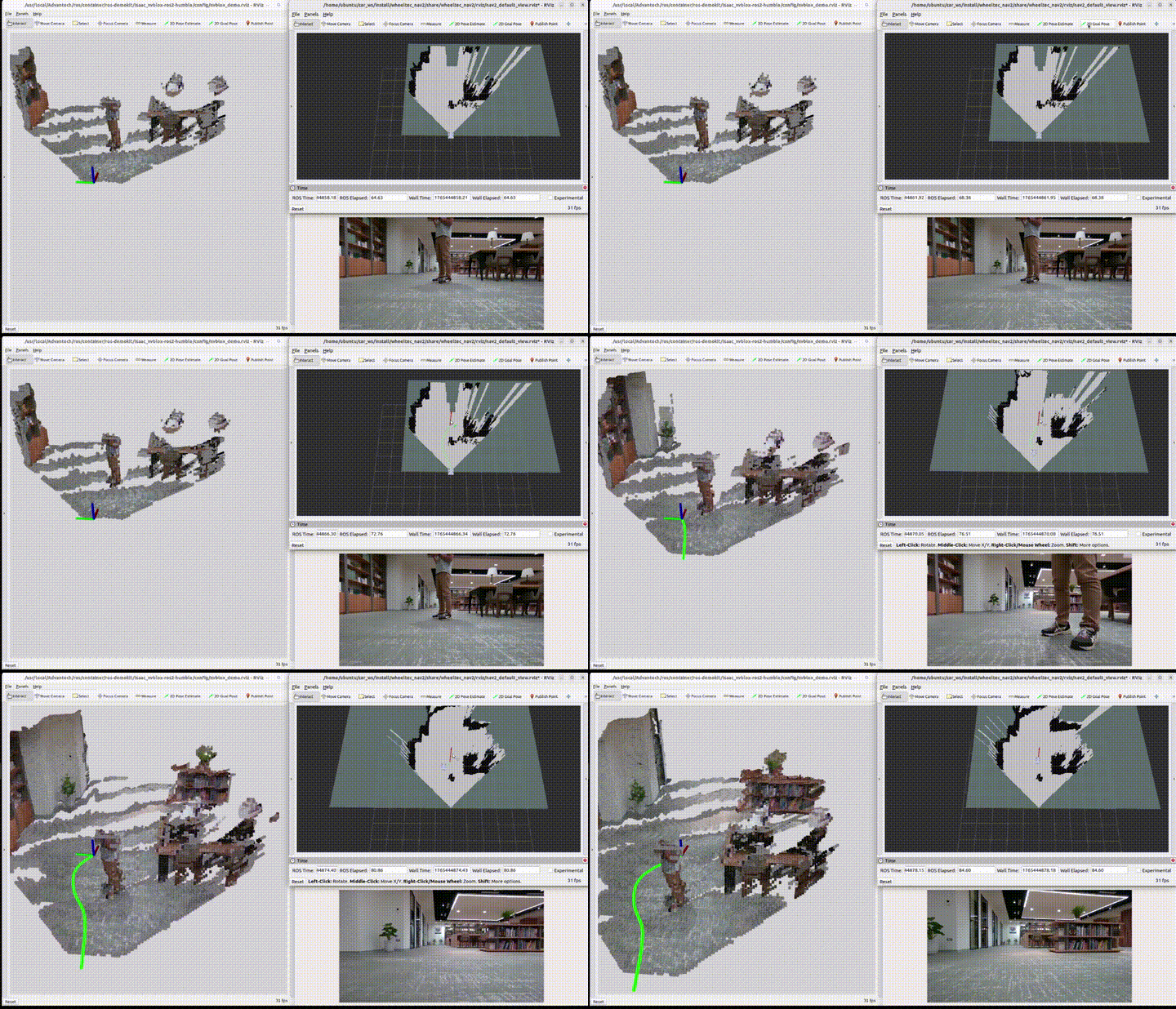
This example demonstrates how to use a 3D camera together with ISAAC Nvblox and Nav2 to enable navigation and obstacle avoidance on an AMR platform.
Install
Make sure your target system satisfies the following conditions:
- Advantech platforms
- At least 3 GB hard drive free space
- An active Internet connection is required
- Use the English language environment in Ubuntu OS
-
After selecting and installing 3D Camera Obstacle Avoidance by following the instructions in the installer instructions. You will find the isaac_ros_kit folder under
/usr/local/Advantech/ros/container/ros-demokit/ -
Navigate to the folder and run the following command:
./launch_isaac.sh advanced_examples/amr_demo
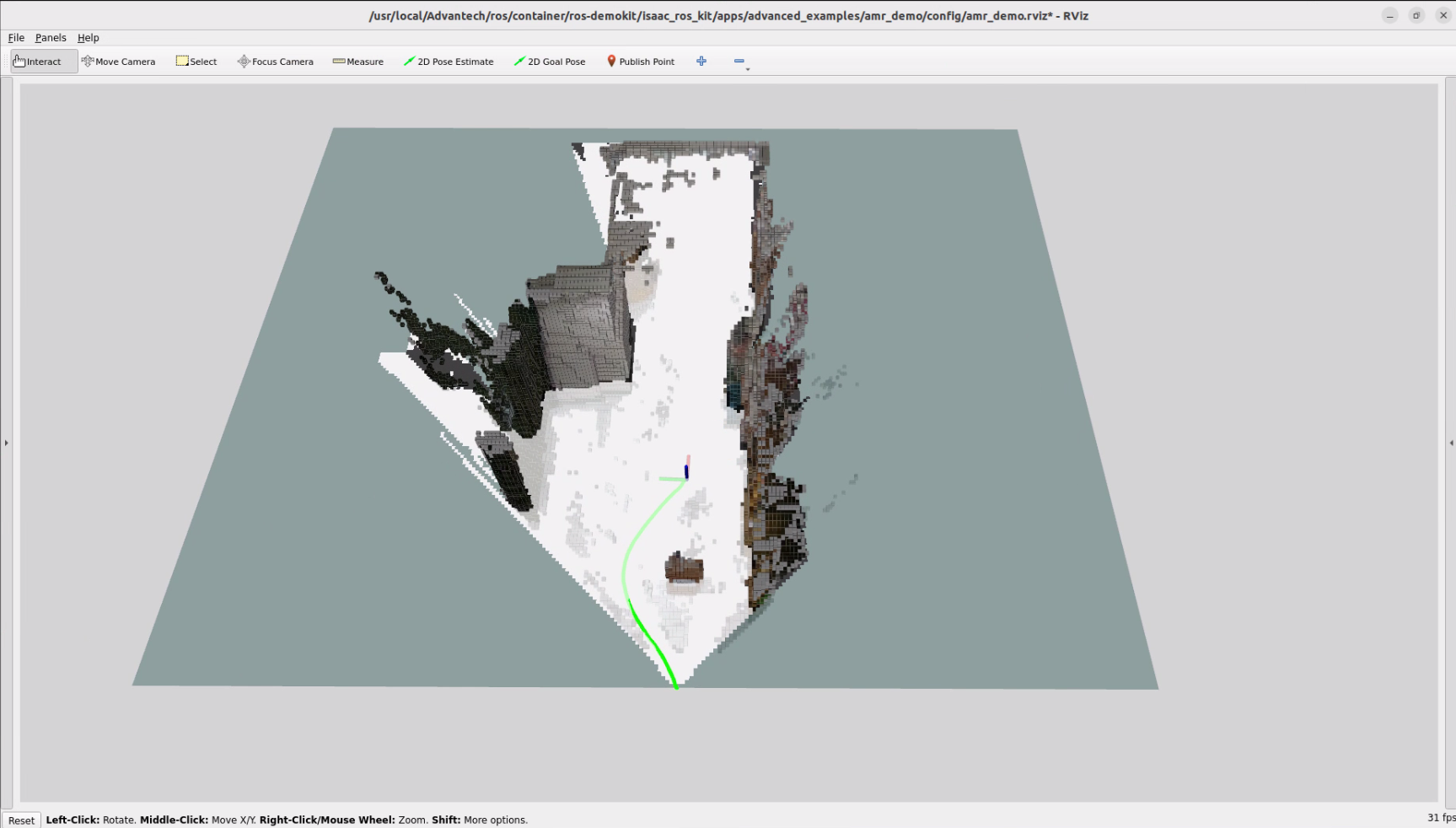
- The 3D Camera Obstacle Avoidance will be displayed automatically:
The first time you run this program, it needs to download necessary files, which will take some time.
Configuration Guide
This example demonstrates the workflow of using a 3D camera with ISAAC Nvblox and Nav2 for navigation and obstacle avoidance.It utilizes the following components:
- A 3D camera mounted on an AMR
- isaac_ros_nvblox as the costmap source
- Nav2 as the navigation stack
- RViz for visualization and interaction
This example is intended to help users understand how the key components of Nvblox integrated with Nav2 work together in a navigation pipeline, rather than to provide a configuration that can be directly deployed on any AMR or environment.
How to use
This example is meant as a conceptual and configuration reference. It uses a predefined robot setup that match the internal example configuration. Because most users will have different AMR hardware and will operate in a different physical environment, you should not expect to:
- Directly run this exact example on your own AMR without modifications, or
- See your real robot moving in your own environment just by launching this demo
Instead, you can use this example to:
- Observe the visualized workflow of Nvblox integrated with Nav2 for navigation and obstacle avoidance
When the example is executed:
- RViz will launch with the predefined configuration and display the results
- Nav2 will generate paths based on the costmap provided by ISAAC Nvblox
Although this example provides a ROS bag, it only contains the essential topics required for visualization:
- /camera_0/color/image : Color image stream from the 3D camera
- /nvblox_node/color_layer : Visualization of the color layer in Nvblox
- /nvblox_node/combined_occupancy_grid : Combined occupancy grid used by Nvblox for mapping and costmaps
- /visual_slam/tracking/vo_path : Estimated robot trajectory from visual odometry
Reference Configuration
When working with this example, it is recommended that users have a basic understanding of ISAAC Nvblox and Nav2. Ideally, users should be able to run isaac_ros_nvblox independently and use Nav2 for basic path planning.
This example includes the following key modifications:
- isaac_ros_nvblox
- Set mapping_type to dynamic
- Nav2
- Updated the YAML configuration to include Nvblox plugins for:
- local_costmap
- global_costmap
- Removed AMCL-related components
This configuration represents only one possible approach provided in this example.It does not imply that ISAAC Nvblox can only be integrated with Nav2 in this way.
GitHub
For detailed configuration, please refer to Robotic suite GitHub