Autoware
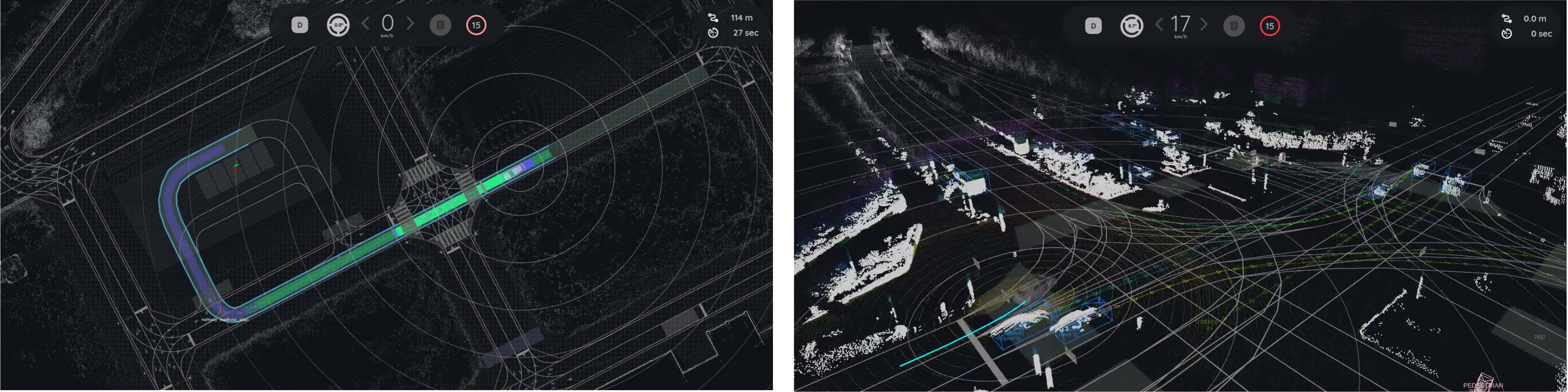
This document describes the Autoware development container. It helps users quickly run Autoware Universe on Advantech platforms and extend the same framework to build their own autonomous driving applications.
NOTE
- When running an example for the first time, it may automatically download/install required resources (e.g., maps, datasets, dependencies). This is expected and may take longer.
TIP
Version Information (Default Environment)
- Autoware: Universe v1.5.0
- ROS 2: Humble
1. Autoware Overview
Autoware is an open-source software stack for autonomous driving built on ROS 2. It provides a modular architecture that includes perception, localization, planning, and control components required for autonomous vehicle systems.
The Autoware Universe project is the modern ROS 2-based implementation maintained by the Autoware Foundation and community. It integrates many robotics and autonomous driving algorithms, enabling developers to build and evaluate autonomous driving pipelines.
Typical Autoware modules include:
- Sensing – sensor drivers and data acquisition
- Perception – object detection, tracking, and environment understanding
- Localization – vehicle pose estimation using LiDAR, GNSS, or maps
- Planning – behavior and motion planning
- Control – vehicle control commands
On GPU-enabled or high-performance edge platforms, Autoware is often deployed using containerized environments to ensure reproducibility and simplify dependency management.
2. Why Use This Package (Benefits & What Autoware development containe Provides)
Autoware development containe provides a ready-to-use Autoware development environment packaged inside a container.
It enables users to quickly validate Autoware capabilities and develop their own autonomous driving applications on Advantech platforms.
Key benefits:
- Quick platform validation: Run Autoware demos quickly to verify that perception, localization, and planning pipelines work on the platform.
- Containerized development workflow: Provides a consistent environment for Autoware development and testing.
- Reduced setup complexity: Avoid manual installation of large Autoware dependencies.
- Extensible framework: Developers can easily integrate their own datasets, sensors, or algorithms.
- Easier maintenance and updates: Container-based deployment makes version control and updates more manageable.
Reference:
- Autoware Documentation: https://autowarefoundation.github.io/autoware-documentation/
3. Location and Folder Structure
NOTE
Make sure your target system satisfies the following conditions:
- Advantech platforms
- At least 35 GB free disk space (Autoware datasets and maps can be large)
- An active Internet connection is required
- Use the English language environment in Ubuntu OS
After selecting and installing Autoware Development Environment Function by following the instructions in the installer instructions, you can find the package at:
-
Autoware Kit root:
/usr/local/Advantech/ros/container/ros-demokit/autoware_container
-
Initialization:
./launch.sh autoware_humble
-
Launch entry:
docker exec -it autoware_humble bash
4. Usage: Enter the development environment
Overview
User
  │
  ▼
(first run) launch.sh autoware_humble: download/install required assets & dependencies
  │
  ▼
docker exec -it autoware_humble bash: enter the container
  │
  ▼
Docker Container (Autoware Development Environment)
  │
  └─ Develop
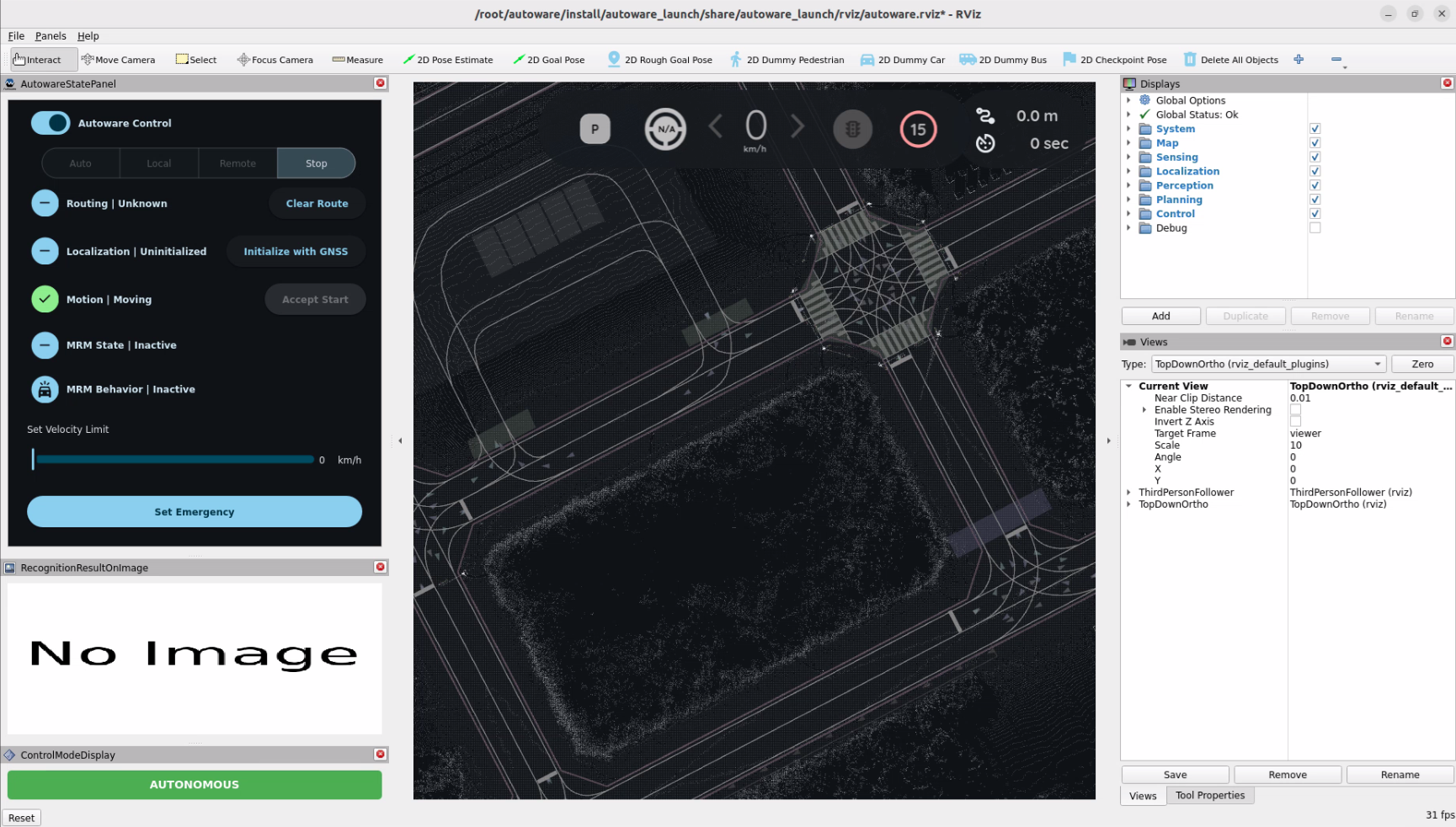
The quick start Autoware Planning Simulation:
source /opt/ros/humble/setup.bash && source ~/autoware/install/setup.bash
ros2 launch autoware_launch planning_simulator.launch.xml map_path:=$HOME/autoware_map/sample-map-planning vehicle_model:=sample_vehicle sensor_model:=sample_sensor_kit
You will see the Autoware Planning Simulation start automatically:
For more detailed features and functionality, please refer to the official Autoware documentation.