Autoware
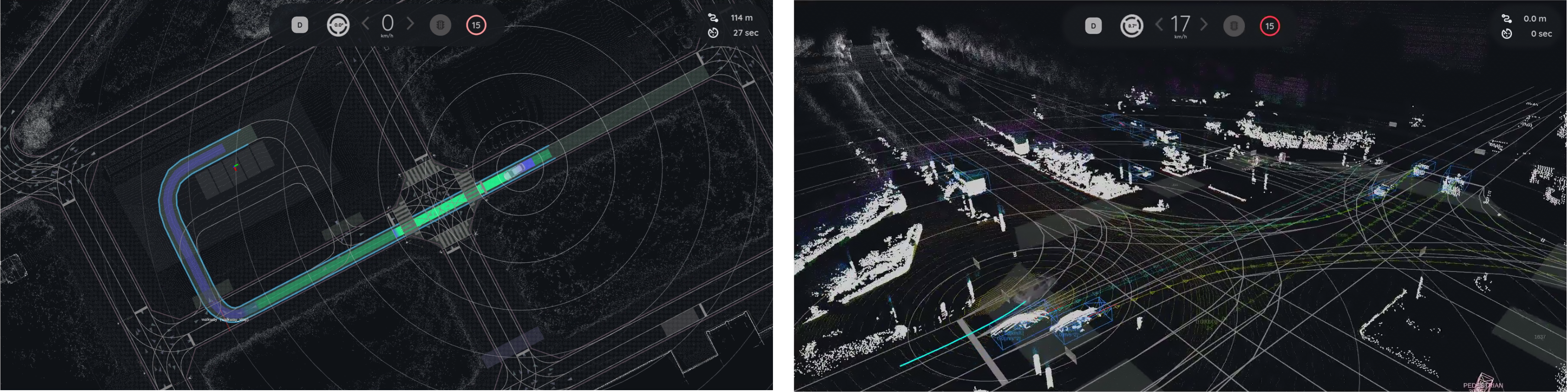
This document describes the Autoware development container. It helps users quickly run Autoware Universe on Advantech platforms and extend the same framework to build their own autonomous driving applications.
- When running an example for the first time, it may automatically download/install required resources (e.g., maps, datasets, dependencies). This is expected and may take longer.
Version Information (Default Environment)
- Autoware: Universe v1.5.0
- ROS 2: Humble
1. Autoware Overview
Autoware is an open-source software stack for autonomous driving built on ROS 2. It provides a modular architecture that includes perception, localization, planning, and control components required for autonomous vehicle systems.
The Autoware Universe project is the modern ROS 2-based implementation maintained by the Autoware Foundation and community. It integrates many robotics and autonomous driving algorithms, enabling developers to build and evaluate autonomous driving pipelines.
Typical Autoware modules include:
- Sensing – sensor drivers and data acquisition
- Perception – object detection, tracking, and environment understanding
- Localization – vehicle pose estimation using LiDAR, GNSS, or maps
- Planning – behavior and motion planning
- Control – vehicle control commands
On GPU-enabled or high-performance edge platforms, Autoware is often deployed using containerized environments to ensure reproducibility and simplify dependency management.
2. Why Use This Package (Benefits & What Autoware development containe Provides)
Autoware development containe provides a ready-to-use Autoware development environment packaged inside a container.
It enables users to quickly validate Autoware capabilities and develop their own autonomous driving applications on Advantech platforms.
Key benefits:
- Quick platform validation: Run Autoware demos quickly to verify that perception, localization, and planning pipelines work on the platform.
- Containerized development workflow: Provides a consistent environment for Autoware development and testing.
- Reduced setup complexity: Avoid manual installation of large Autoware dependencies.
- Extensible framework: Developers can easily integrate their own datasets, sensors, or algorithms.
- Easier maintenance and updates: Container-based deployment makes version control and updates more manageable.
Reference:
- Autoware Documentation: https://autowarefoundation.github.io/autoware-documentation/
3. Location and Folder Structure
Make sure your target system satisfies the following conditions:
- Advantech platforms
- At least 35 GB free disk space (Autoware datasets and maps can be large)
- An active Internet connection is required
- Use the English language environment in Ubuntu OS
After selecting and installing Autoware Development Environment Function by following the instructions in the installer instructions, you can find the package at:
-
Autoware Kit root:
/usr/local/Advantech/ros/container/ros-demokit/autoware_container
-
Initialization:
./launch.sh autoware_humble
-
Launch entry:
docker exec -it autoware_humble bash
4. Usage: Enter the development environment
Overview
User
  │
  ▼
(first run) launch.sh autoware_humble: download/install required assets & dependencies
  │
  ▼
docker exec -it autoware_humble bash: enter the container
  │
  ▼
Docker Container (Autoware Development Environment)
  │
  └─ Develop
The quick start Autoware Planning Simulation:
source /opt/ros/humble/setup.bash && source ~/autoware/install/setup.bash
ros2 launch autoware_launch planning_simulator.launch.xml map_path:=$HOME/autoware_map/sample-map-planning vehicle_model:=sample_vehicle sensor_model:=sample_sensor_kit
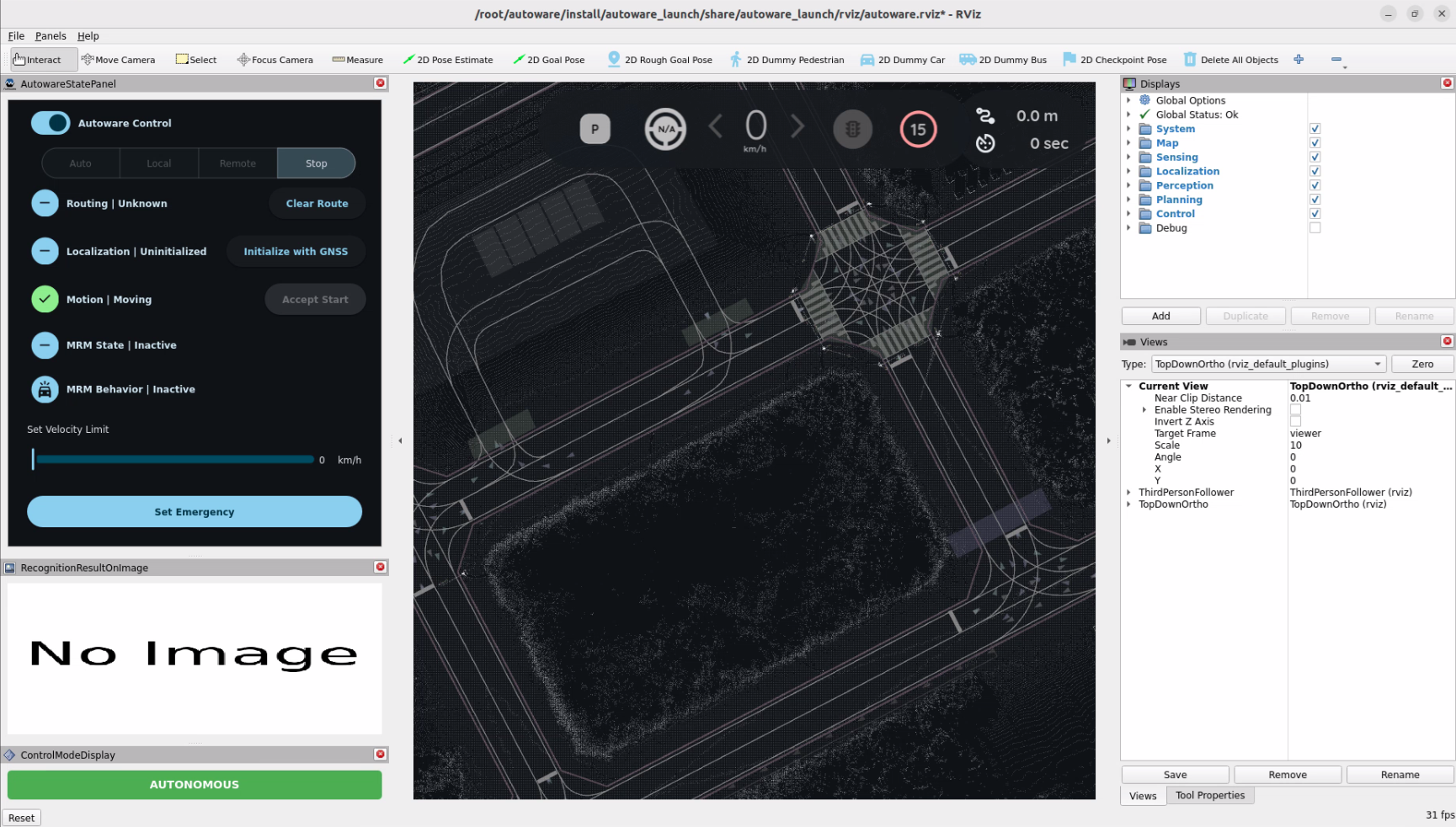
You will see the Autoware Planning Simulation start automatically:
For more detailed features and functionality, please refer to the official Autoware documentation.