Real-Time Expert
Real-Time Expert provides an intuitive GUI that allows users to easily switch to Real-Time Mode and run real-time performance benchmark tests to compare the performance differences between Normal Mode and Real-Time OS Mode.
This document provides step-by-step instructions for using Real-Time Expert on Ubuntu-based Advantech devices.
Prerequisites
- An Advantech device (e.g., AFE-R360) running Ubuntu-based Operation System.
- A Linux kernel with Preempt-RT enabled.
- Real-Time Expert installed on the device.
BIOS Settings
Modify following BIOS settings to improve realtime performance.
AFE-R360
| Item | Setting |
|---|---|
| Hyper Threading | Disable |
| Intel(R) Speed Shift | Enable |
| Intel(R) SpeedStep | Enable |
| C-State | Disable |
| Active LP Efficient-cores | 0 |
| RC6 (Render Standby) | Disable : Power -> GT |
Manual
Step1. Launch Real-Time Expert
To run Real-Time Expert GUI application:
cd /opt/Advantech/Real-Time_Expert
./run_app.sh
Upon successful installation, running the program will display the screen below.
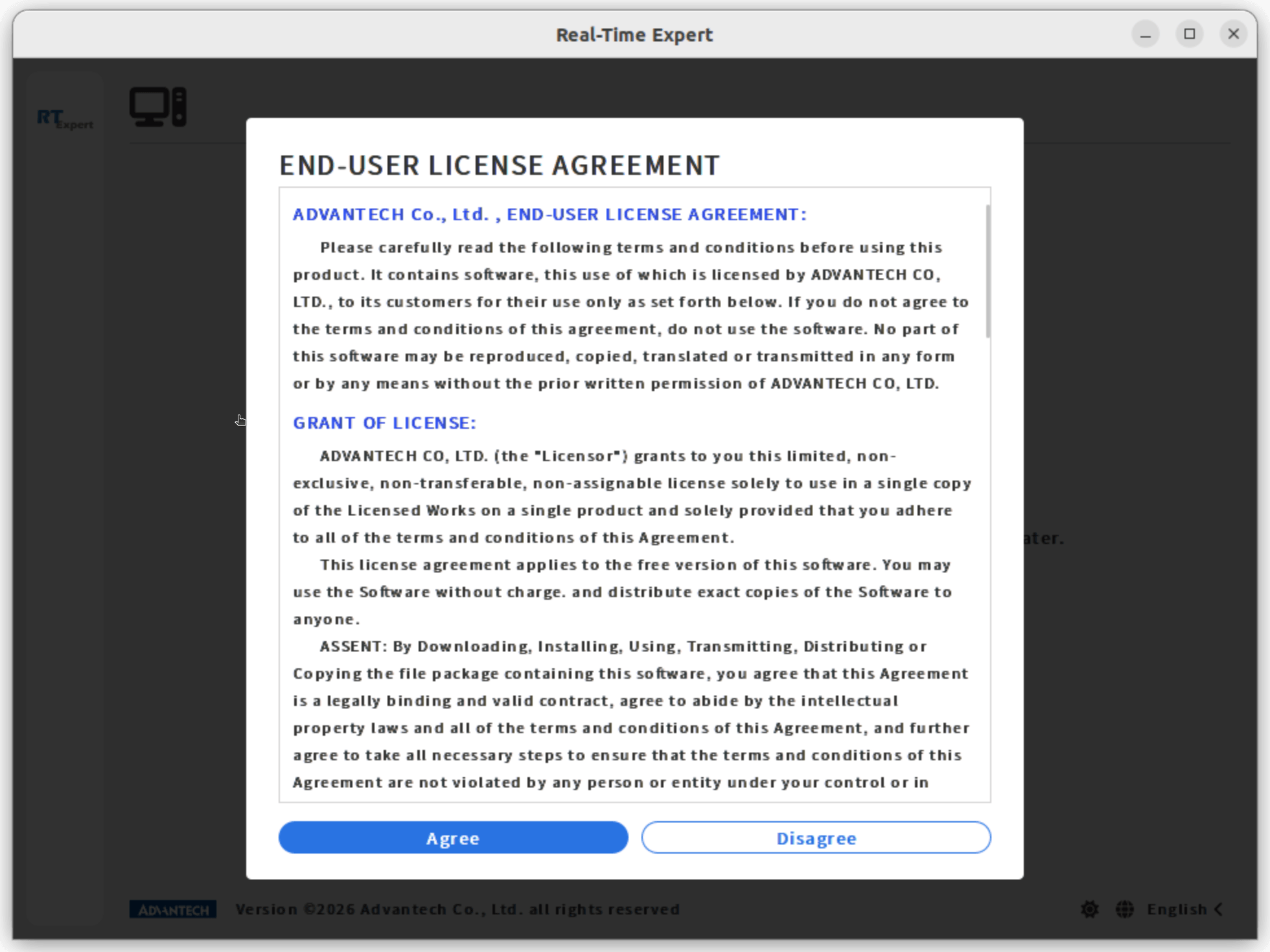
Step2. License Agreement
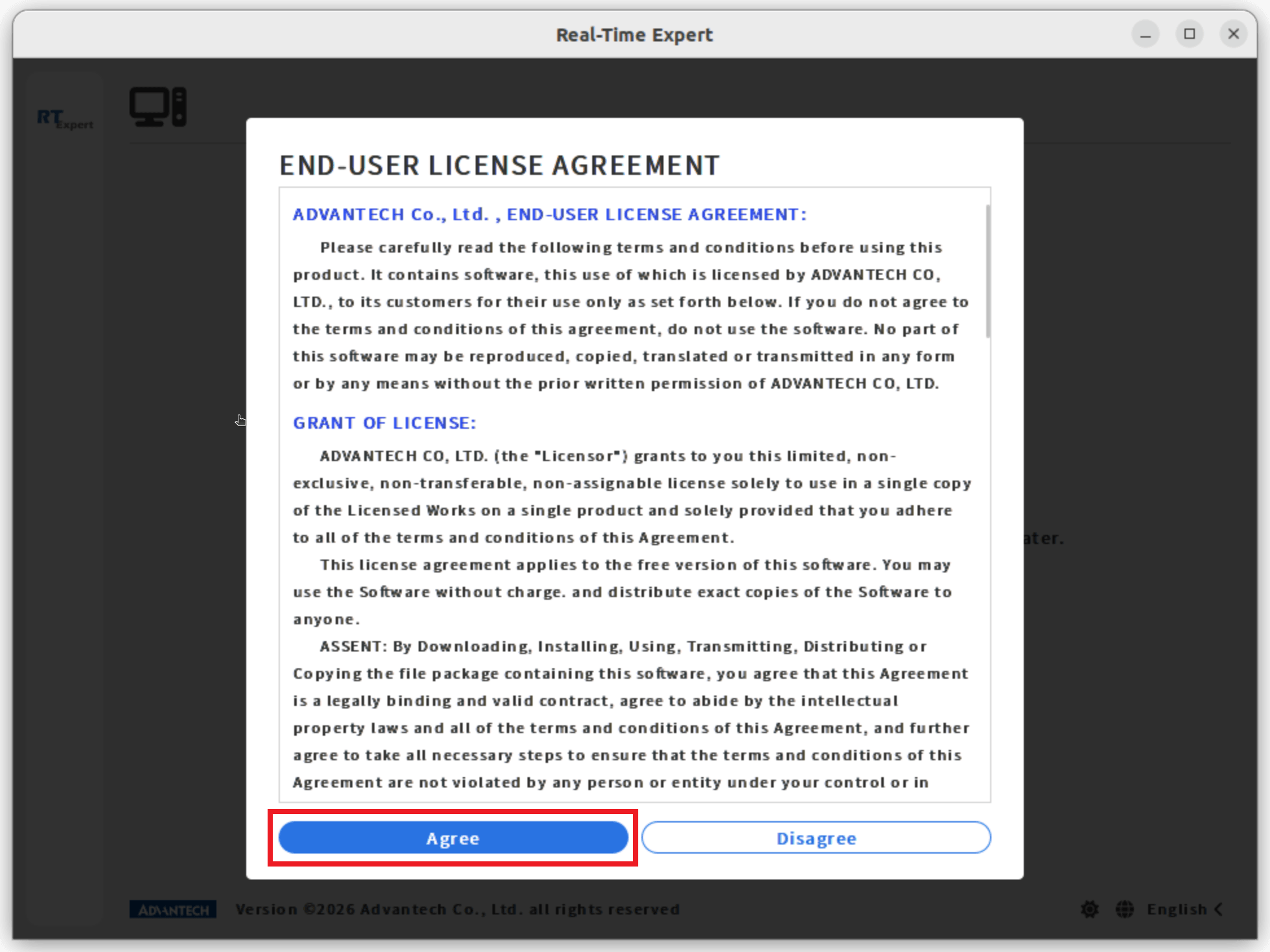
Click on Agree to continue.
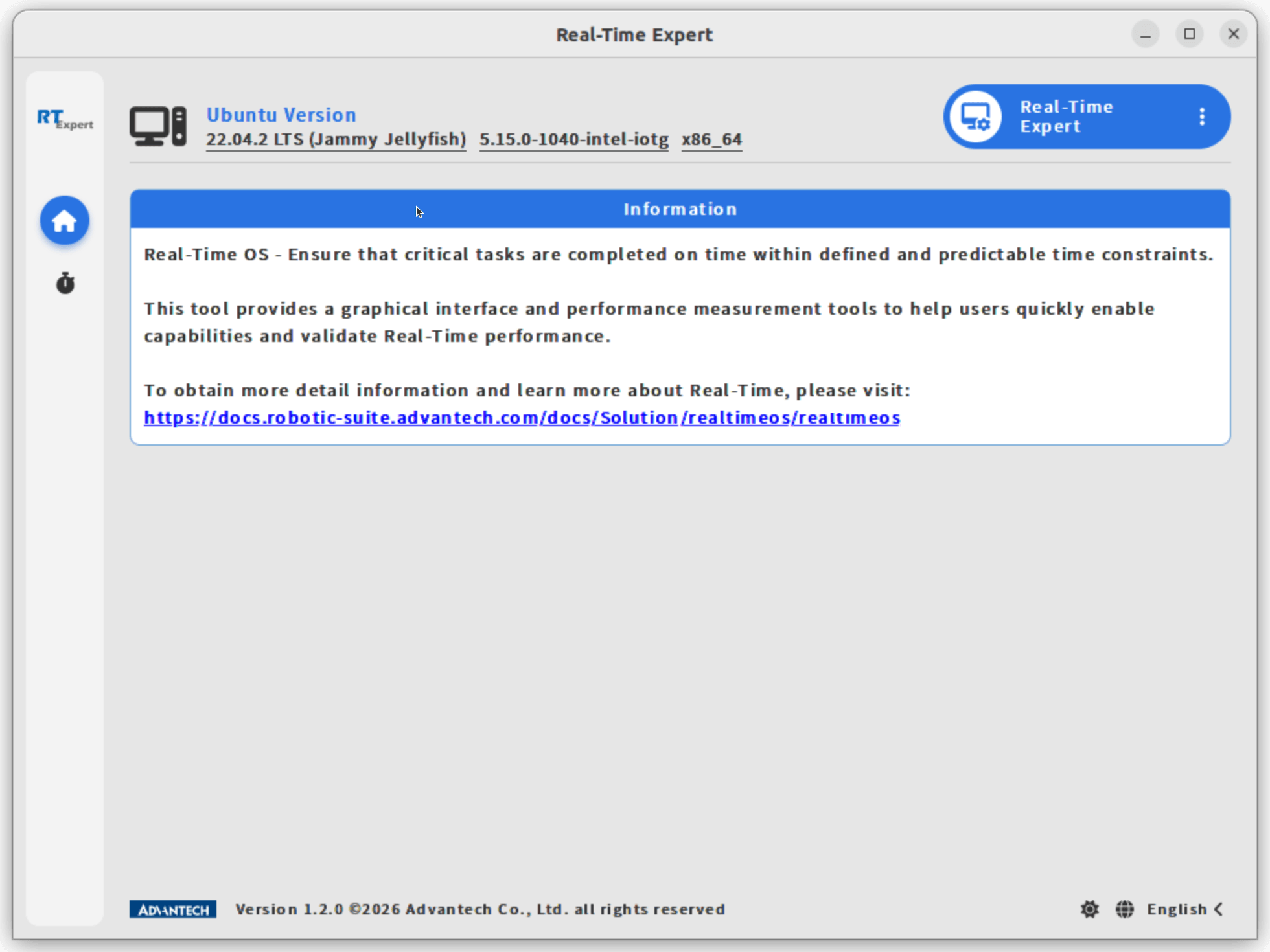
After entering the main page, you can see a brief introduction to the tool and links to more information about Real-Time OS.
Step3. Run benchmark test in non Real-Time Mode
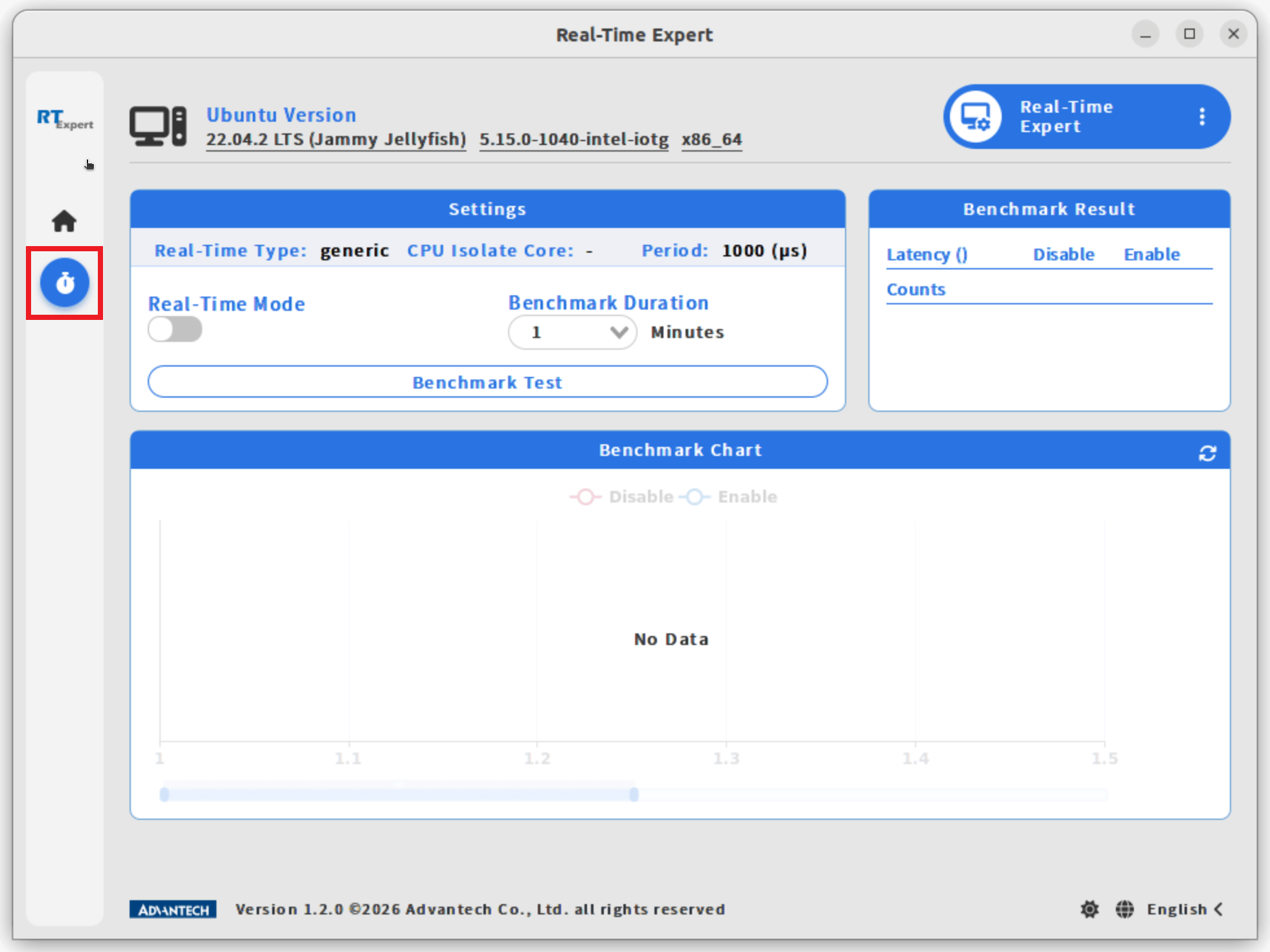
- Click the Real-Time icon in the left sidebar to open the feature page.
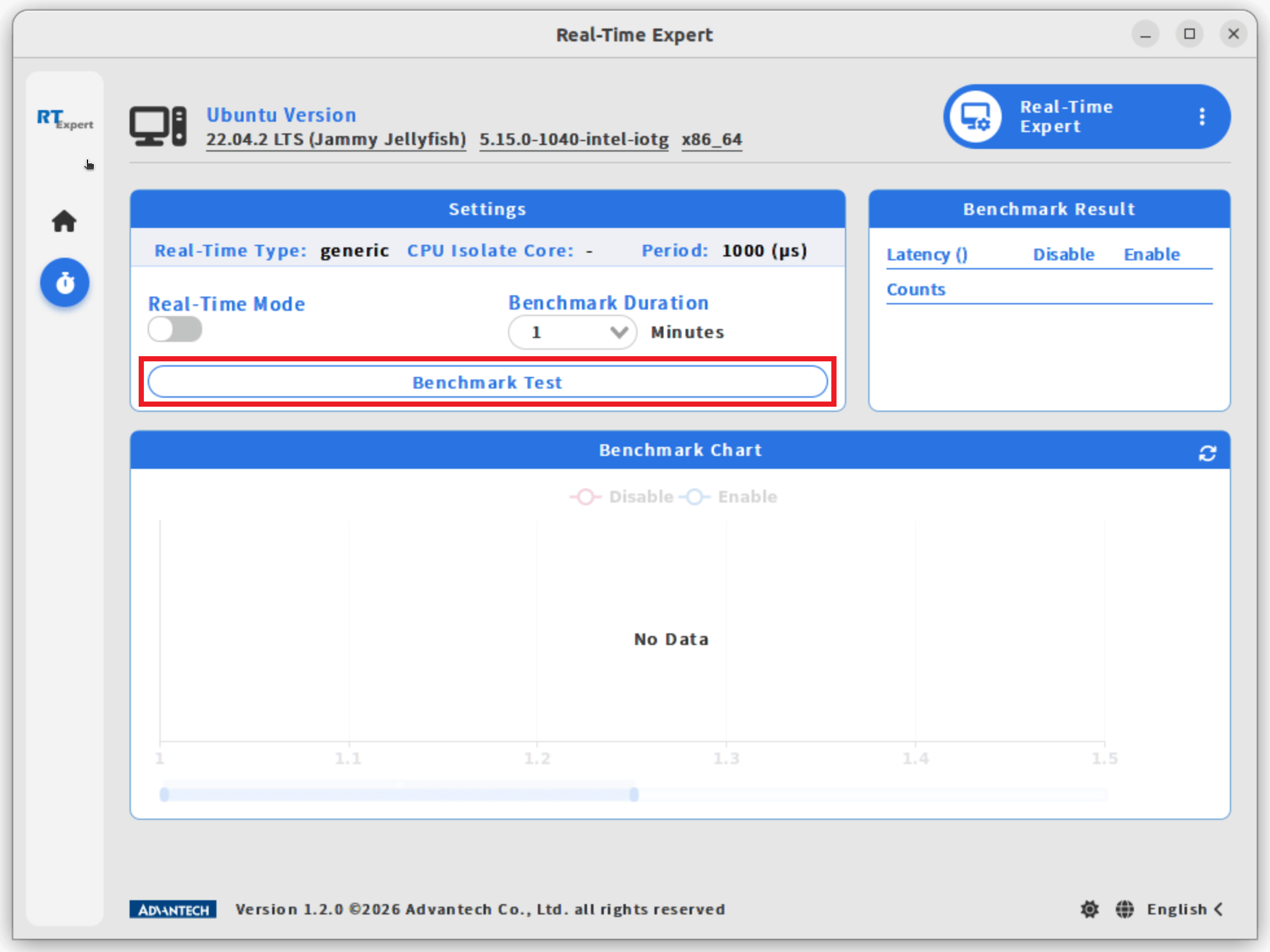
- Click the Benchmark Test button in the Settings block to run non Real-Time benchmark test.
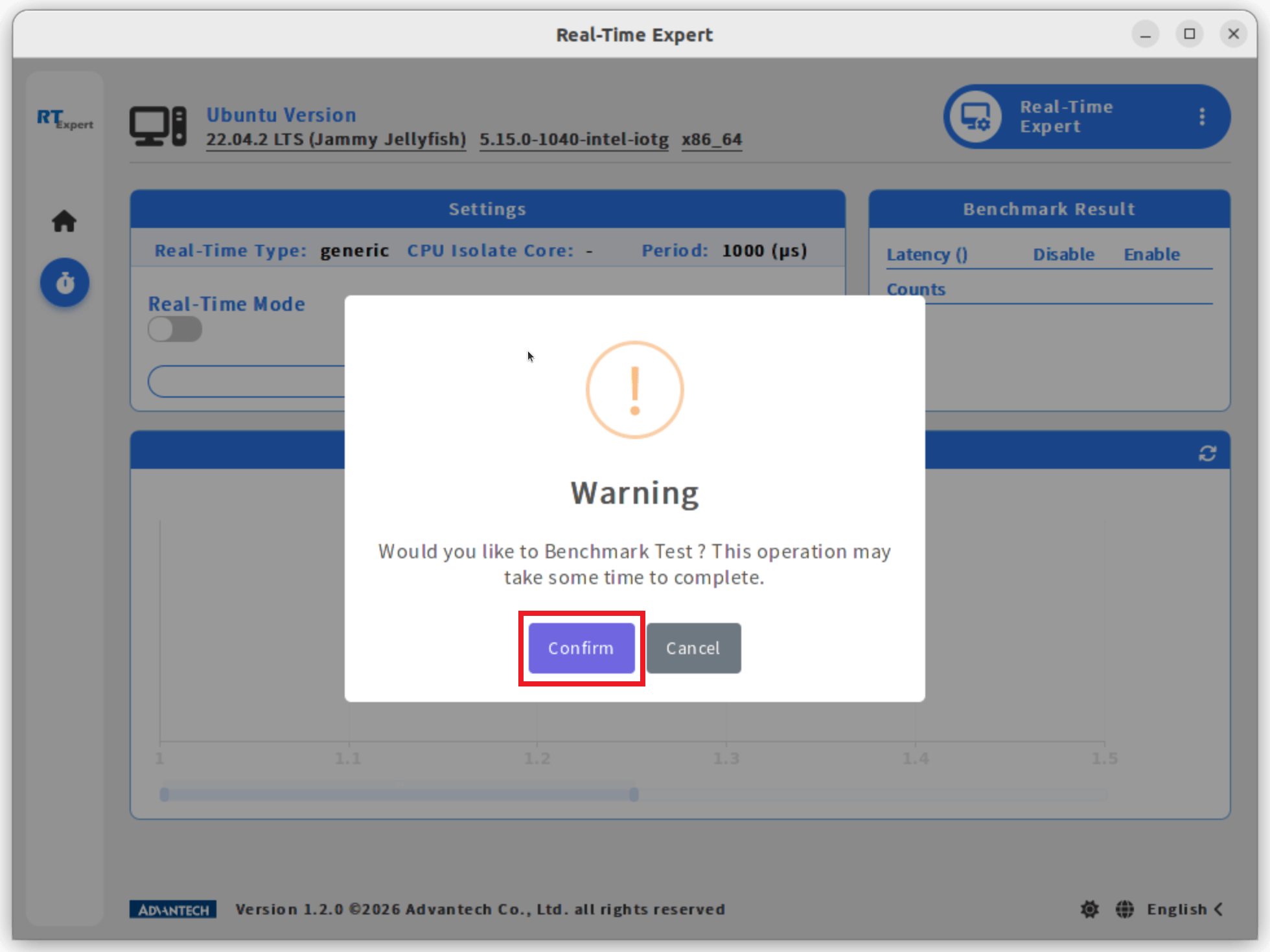
- Click Confirm to continue.
Note: The benchmark test may take some time to complete.
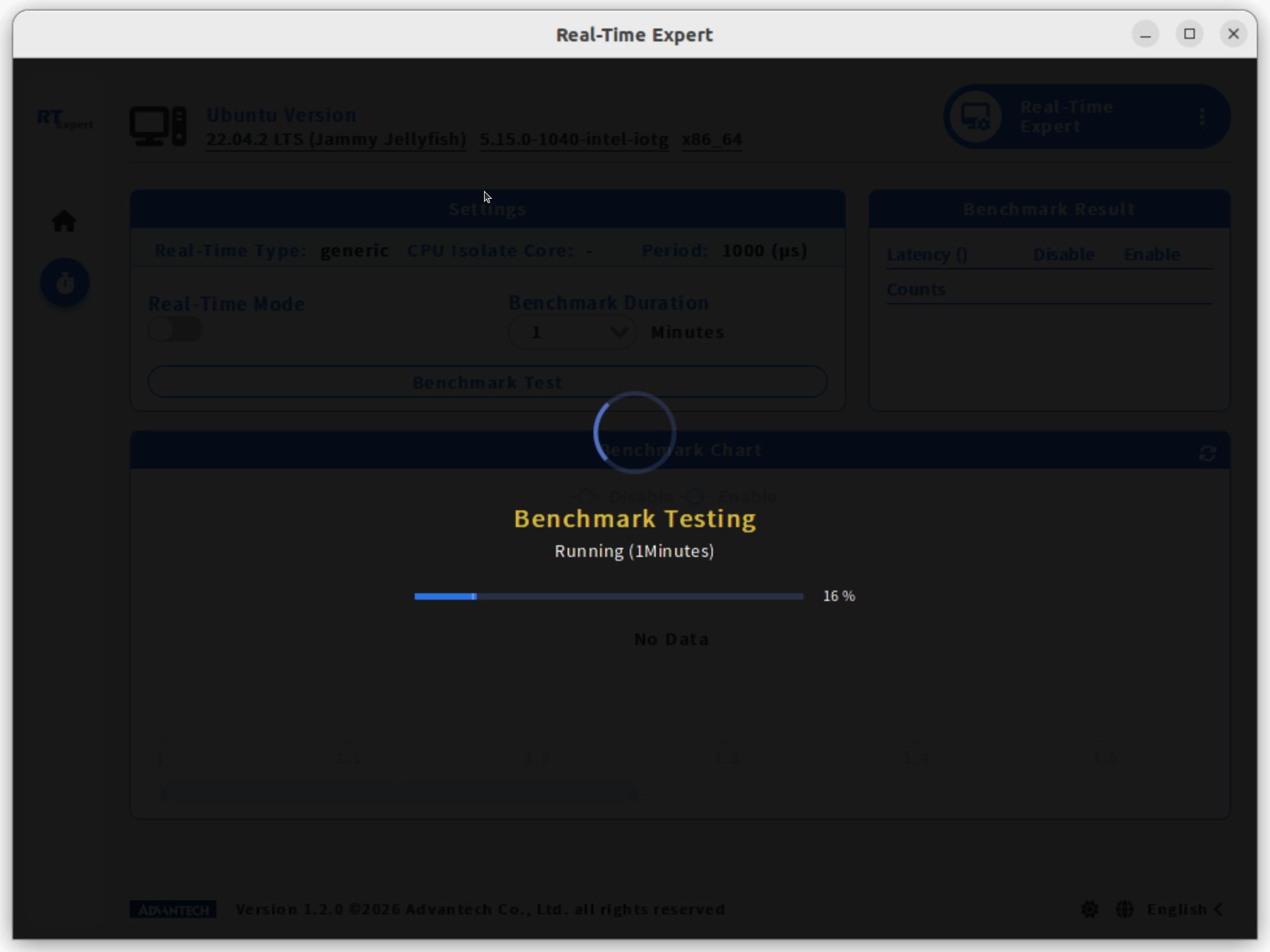
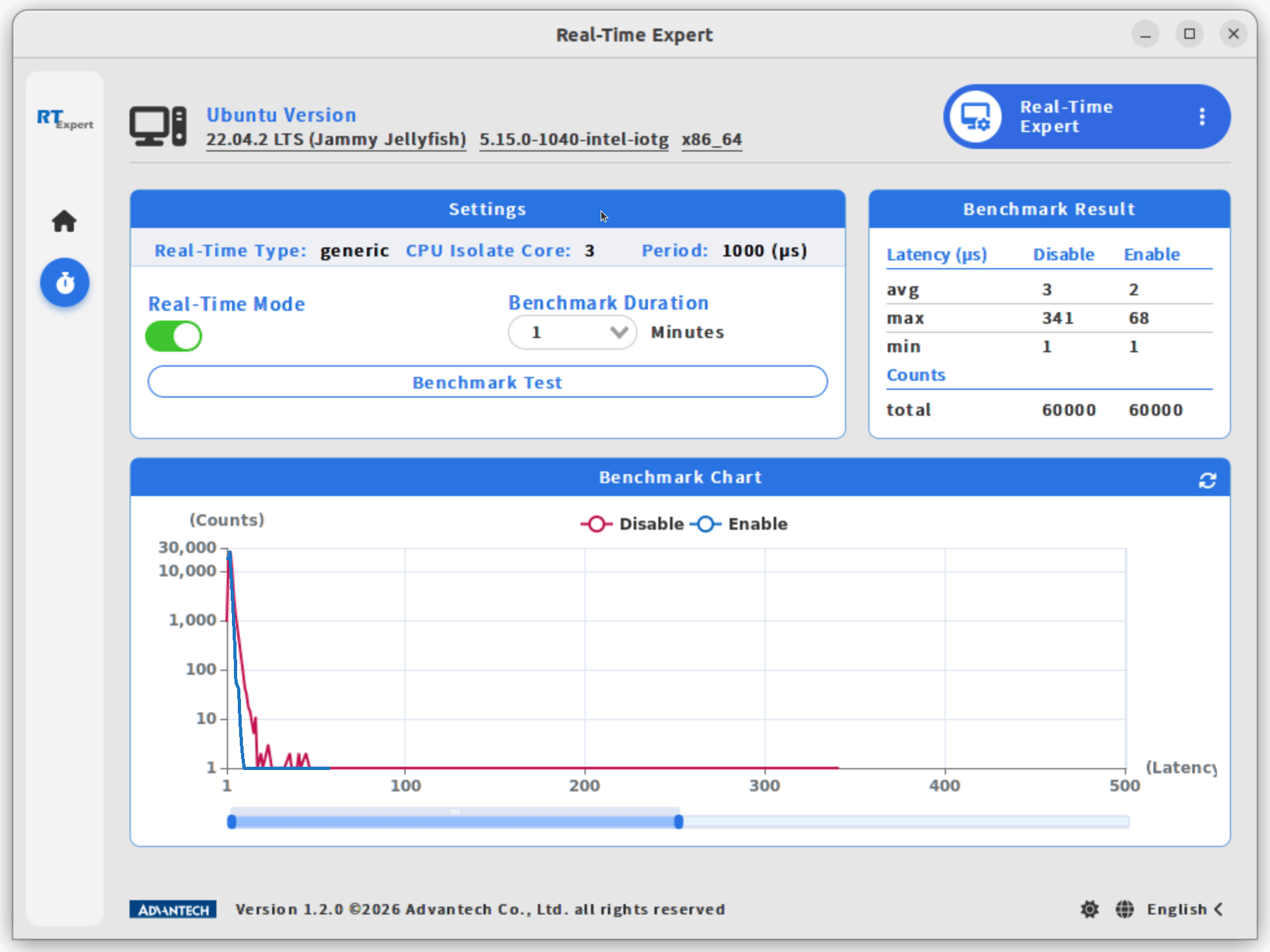
- Once finished, the results will be displayed in the Benchmark Chart and Benchmark Result sections.
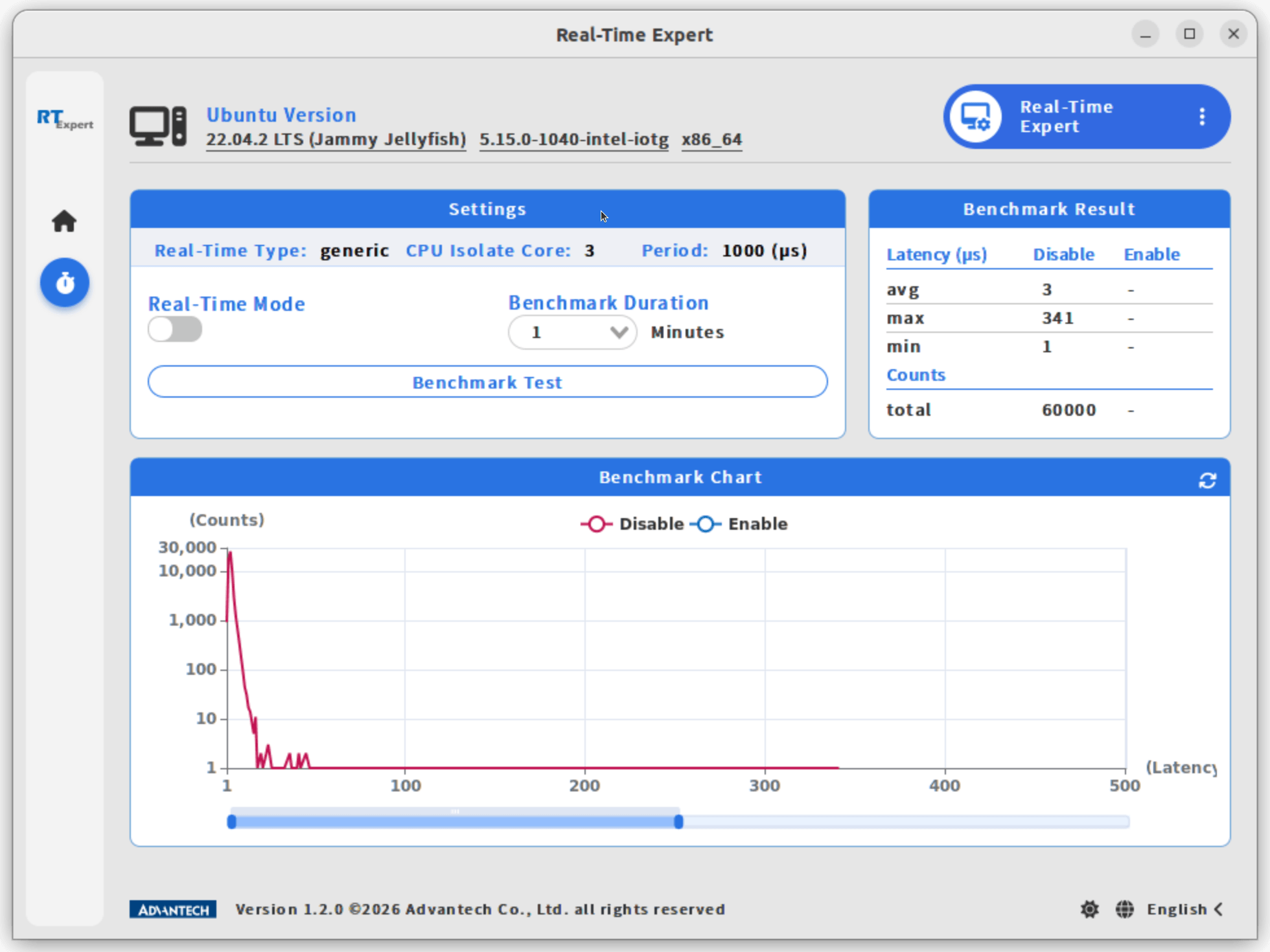
Step4. Enable Real-Time
- Toggle Real-Time Mode to the right to enable Real-Time.
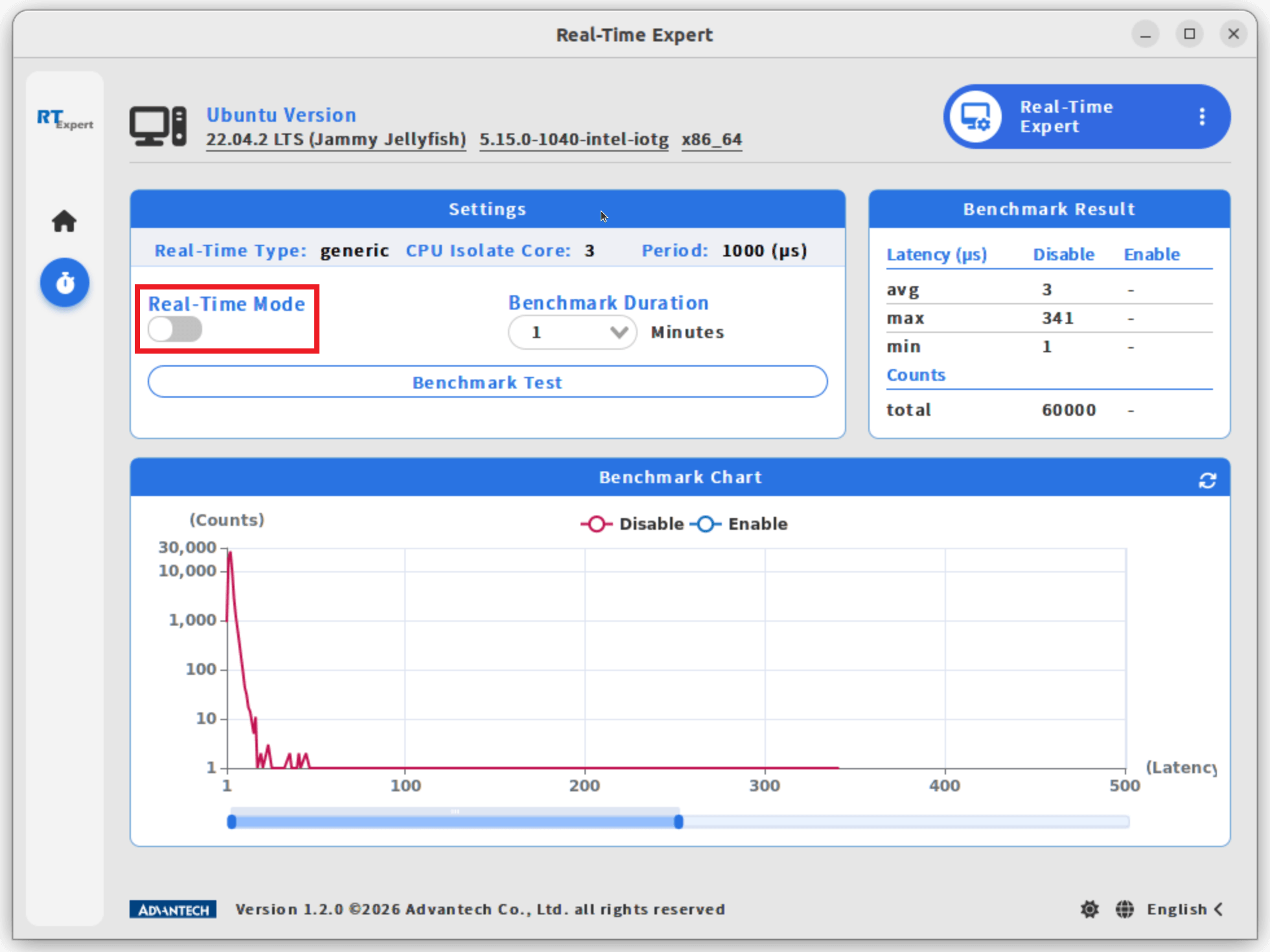
Note: If the system has not yet undergone a benchmark test, you will be prompted to run a benchmark in non-real-time mode first. This provides a baseline for comparison with the benchmark results in Real-Time Mode.
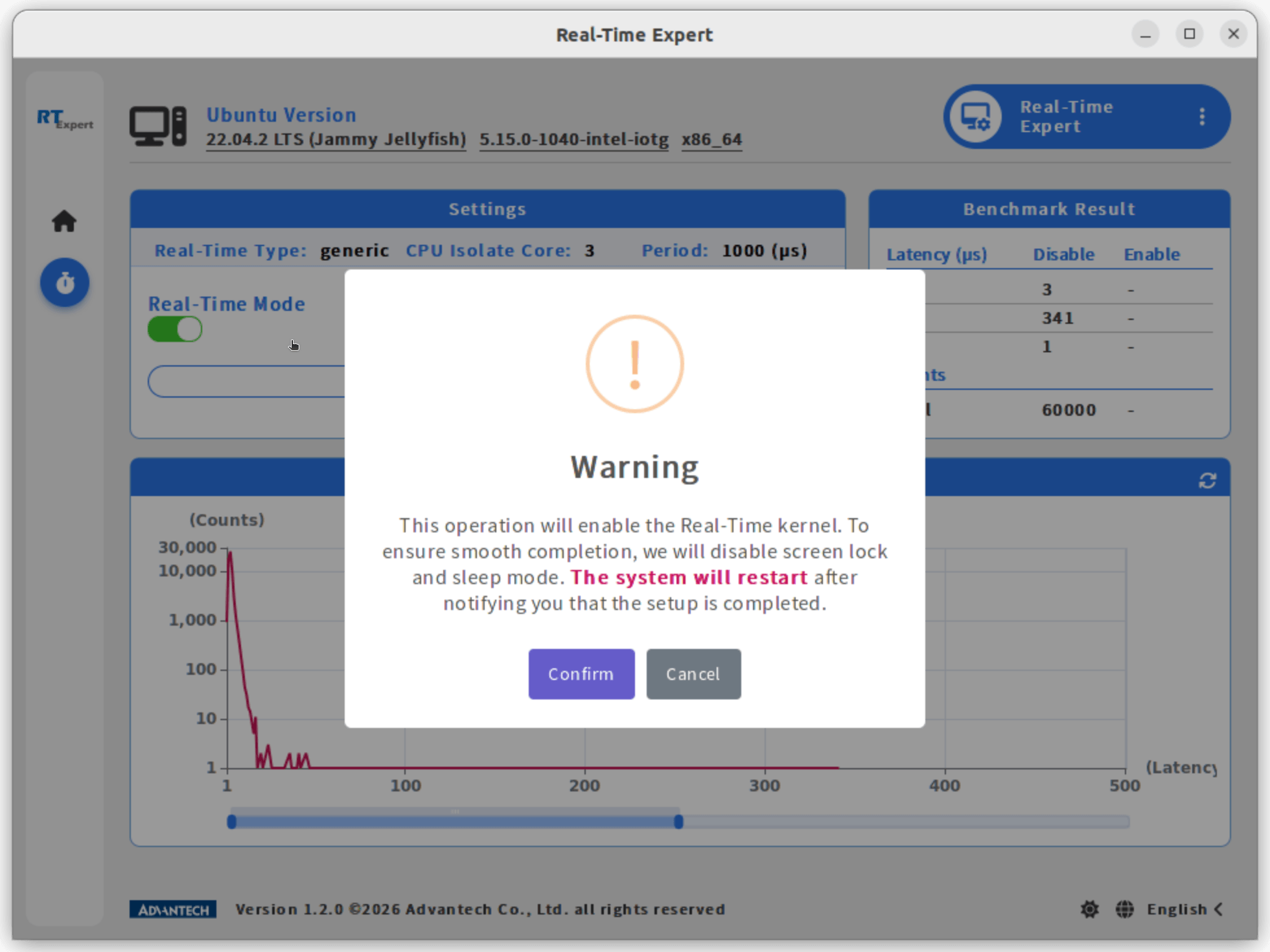
- The system will restart and boot into Real-Time Mode, click Confirm to continue.
Step5. Run benchmark test in Real-Time Mode
- Click the Benchmark Test button in the Settings block to run Benchmark Test in Real-Time Mode
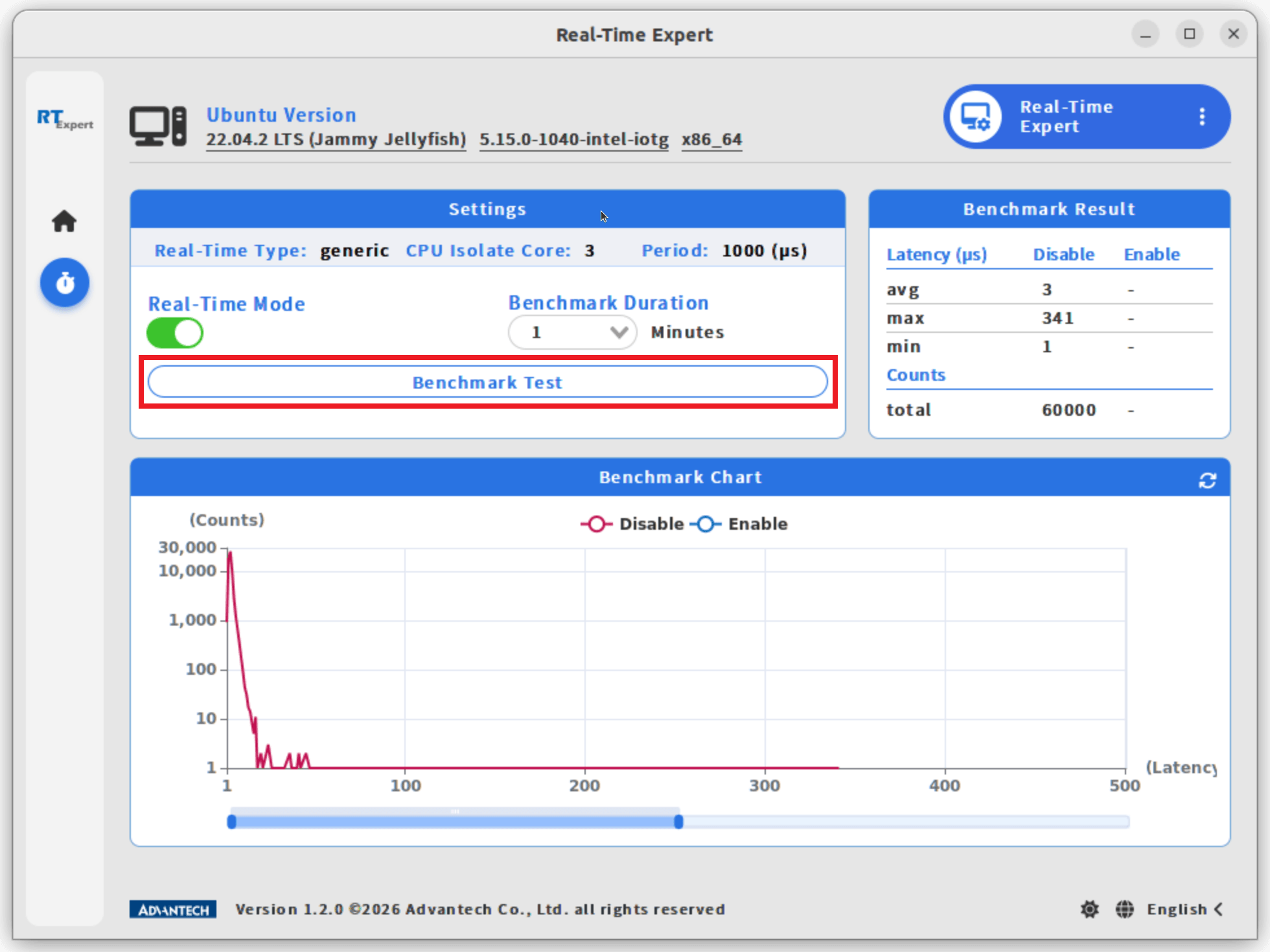
- The benchmark test may take some time to complete, click Confirm to continue.
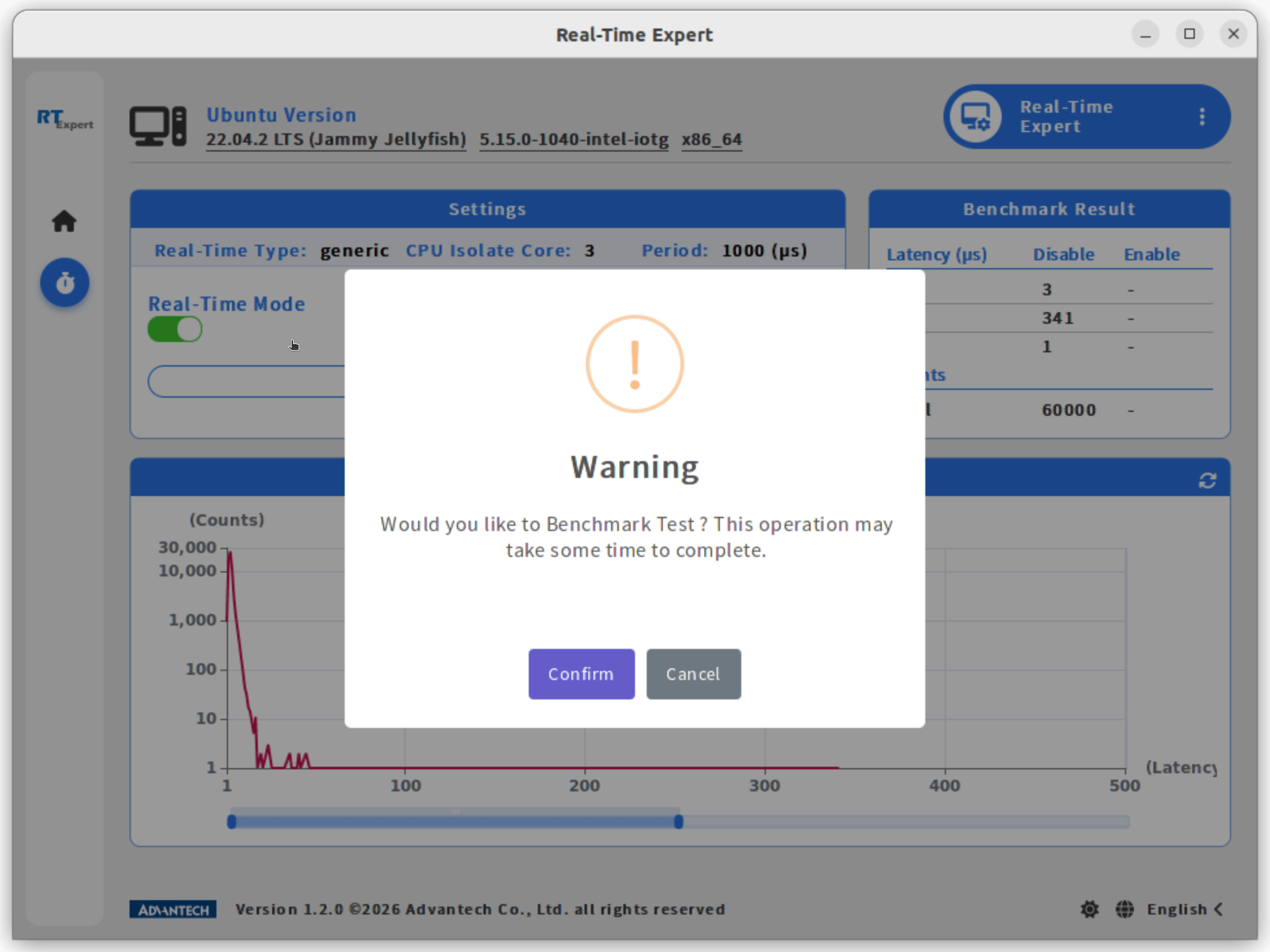
- When finished, the results will be displayed in the Benchmark Chart and Benchmark Result sections.